> ## Documentation Index
> Fetch the complete documentation index at: https://extension.js.org/llms.txt
> Use this file to discover all available pages before exploring further.
# CSS, Sass, and Less in browser extensions
> Style extension pages and content scripts with CSS, Sass, or Less. Extension.js routes styles by context and handles reload behavior automatically.
Extension.js supports plain CSS plus Sass and Less preprocessors with no setup. It routes styles differently for page contexts (popup, options, side panel) and content-script contexts.
Page styles ship as linked assets. Extension.js injects content-script styles into the web page's document so they apply to the active tab.
## Template examples
### `content-sass`
Content script with Sass styling injected into web pages.
```bash npm theme={null}
npx extension@latest create my-extension --template=content-sass
```
```bash pnpm theme={null}
pnpx extension@latest create my-extension --template=content-sass
```
```bash yarn 2+ theme={null}
yarn dlx extension@latest create my-extension --template=content-sass
```
```bash bun theme={null}
bunx extension@latest create my-extension --template=content-sass
```
```bash deno theme={null}
deno run -A npm:extension@latest create my-extension --template=content-sass
```
Repository: [extension-js/examples/content-sass](https://github.com/extension-js/examples/tree/main/examples/content-sass)
### `content-custom-font`
Content script demonstrating custom font loading through CSS.
```bash npm theme={null}
npx extension@latest create my-extension --template=content-custom-font
```
```bash pnpm theme={null}
pnpx extension@latest create my-extension --template=content-custom-font
```
```bash yarn 2+ theme={null}
yarn dlx extension@latest create my-extension --template=content-custom-font
```
```bash bun theme={null}
bunx extension@latest create my-extension --template=content-custom-font
```
```bash deno theme={null}
deno run -A npm:extension@latest create my-extension --template=content-custom-font
```
Repository: [extension-js/examples/content-custom-font](https://github.com/extension-js/examples/tree/main/examples/content-custom-font)
## CSS capabilities
| Capability | What it gives you |
| - | - |
| Multi-context styling | Use one authoring model for pages and content scripts |
| Sass/Less compilation | Compile Sass/Less when dependencies are present |
| Context-aware output | Emit page CSS and content-script CSS to correct targets |
| Dev update flow | Apply style updates through hot module replacement (HMR)/remount when supported |
## Where to reference CSS
* `manifest.json` (`content_scripts[].css`)
* HTML files (``)
* Script imports (`import "./styles.css"`, including Sass/Less when enabled)
## CSS support
Manifest CSS entries:
| Manifest field | File type expected |
| - | - |
| `content_scripts.css` | `.css`, `.scss`, `.sass`, `.less` |
## Example: CSS in `manifest.json`
```json theme={null}
{
"manifest_version": 3,
"name": "My Extension",
"version": "1.0.0",
"content_scripts": [
{
"matches": [""],
"css": ["./styles/content.css"],
"js": ["./scripts/content.ts"]
}
]
}
```
## Example: CSS in extension page scripts
```ts theme={null}
import "./styles/popup.scss";
```
## Web fonts in a content script
A content script that renders into a shadow root cannot load a webfont through
CSS alone. Two platform rules get in the way, and both are silent.
**A `@font-face` inside a shadow root never applies.** Font faces resolve against
the document's font set, not the shadow tree, so Chrome ignores the rule and
falls back without an error. Measured on the `content-custom-font` template
before it was fixed: `document.fonts` was empty, zero font requests fired, and
text set in `"Momo Signature", cursive` measured the same width as bare
`cursive`.
**A root-absolute `url()` in an injected stylesheet resolves against the host
page.** `url(/fonts/Momo.woff2)` inside a stylesheet injected into `example.com`
requests `https://example.com/fonts/Momo.woff2`, not the extension's copy.
Register the face on the page's own font set instead, from a URL that names the
extension, and remove it when the content script tears down:
```js theme={null}
export default function initial() {
const rootDiv = document.createElement("div");
document.body.appendChild(rootDiv);
const shadowRoot = rootDiv.attachShadow({ mode: "open" });
const customFace = new FontFace(
"Momo Signature",
`url("${chrome.runtime.getURL("fonts/MomoSignature-Regular.woff2")}")`,
);
customFace
.load()
.then((face) => document.fonts.add(face))
.catch(() => {
// Ignore
});
return () => {
document.fonts.delete(customFace);
rootDiv.remove();
};
}
```
The font file must be reachable from the page, so declare it in
`web_accessible_resources`:
```json theme={null}
{
"web_accessible_resources": [
{
"resources": ["fonts/*.woff2"],
"matches": [""]
}
]
}
```
Once the face is on `document.fonts`, the shadow tree can use it by name in an
ordinary `font-family` rule. The working version lives in
[content-custom-font](https://github.com/extension-js/examples/tree/main/examples/content-custom-font).
## Output behavior by context
| Context | Output behavior |
| - | - |
| HTML/page contexts | Extension.js bundles CSS with page entries (`feature.css`) |
| Content scripts | Extension.js emits CSS as `content_scripts/[name].css` assets and rewrites the manifest to match |
Extension.js splits contexts automatically based on which entrypoint imports the CSS.
## Development behavior
* Content script CSS imports participate in the content-script HMR/remount flow.
* Extension.js adds a dev helper script to CSS-only content script entries so it can propagate updates.
* Page CSS follows normal page HMR pipeline behavior.
* Structural manifest/content-script changes can still require full extension reload or restart.
## Modules and preprocessors
* CSS Modules work best in extension page contexts.
* Extension.js enables Sass/Less support when you install the related dependencies.
* If a project references `.scss`/`.less` files but the preprocessor is not installed, the build warns and copies the source through uncompiled instead of failing. Browsers treat that uncompiled source as broken CSS and render those surfaces unstyled, so install the preprocessor to get real compilation.
* Extension.js runs PostCSS automatically when it detects a PostCSS configuration in your project, or when you configure it explicitly.
## Best practices
* Keep content-script styles intentionally scoped to reduce host-page collisions.
* Prefer component-local module styles for extension page UIs.
* Keep preprocessor and PostCSS configurations explicit to avoid unintended changes to your build setup over time.
* Validate CSS paths referenced by manifest fields in continuous integration (CI).
## Next steps
* Understand update outcomes in [dev update behavior](/docs/workflows/dev-update-behavior).
* Learn more about [CSS Modules](/docs/languages-and-frameworks/css-modules).
* Learn more about [PostCSS integration](/docs/integrations/postcss).
## Video walkthrough
This documentation is built and hosted on [Mintlify](https://mintlify.com), a developer documentation platform.
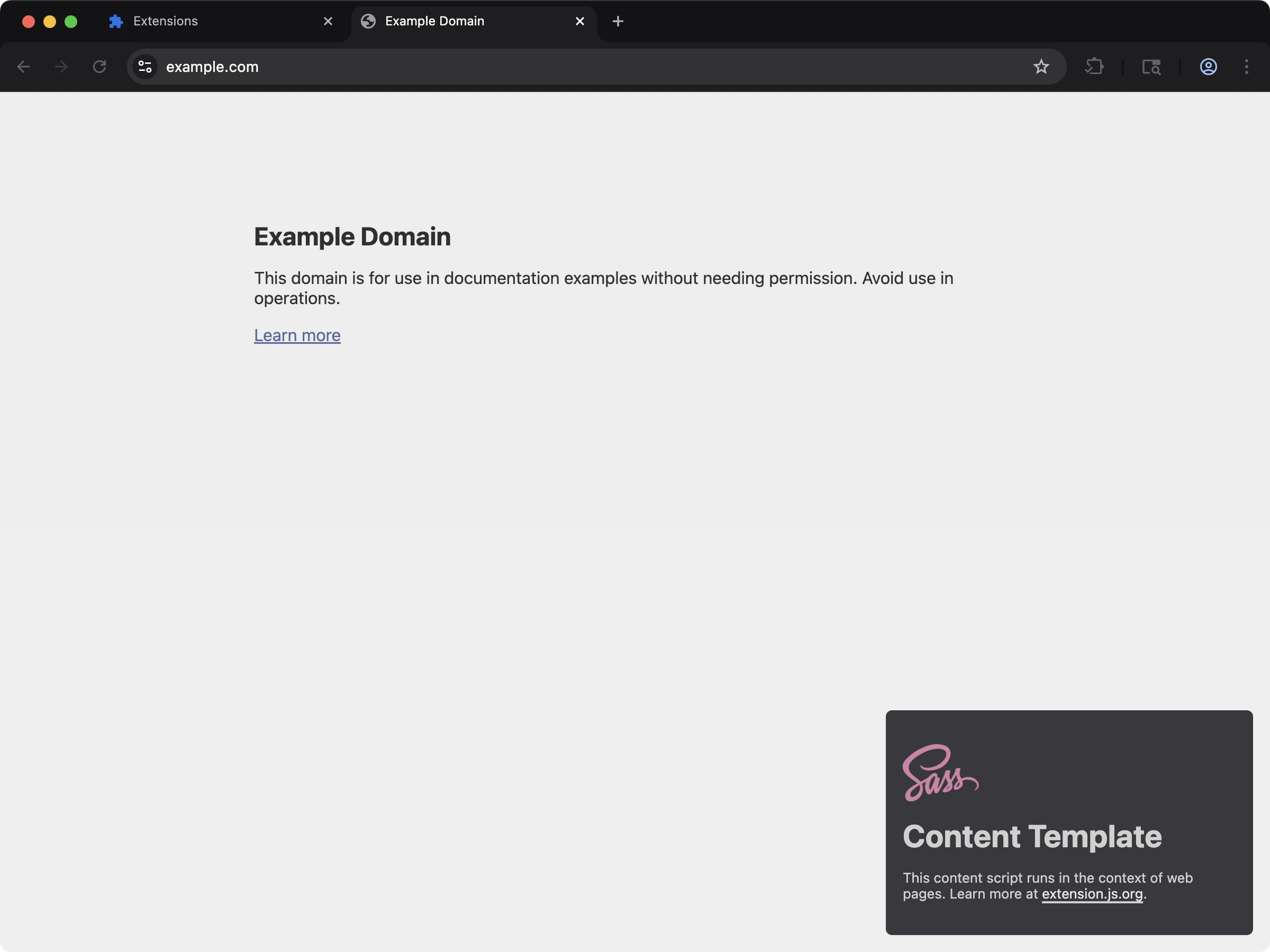 Content script with Sass styling injected into web pages.
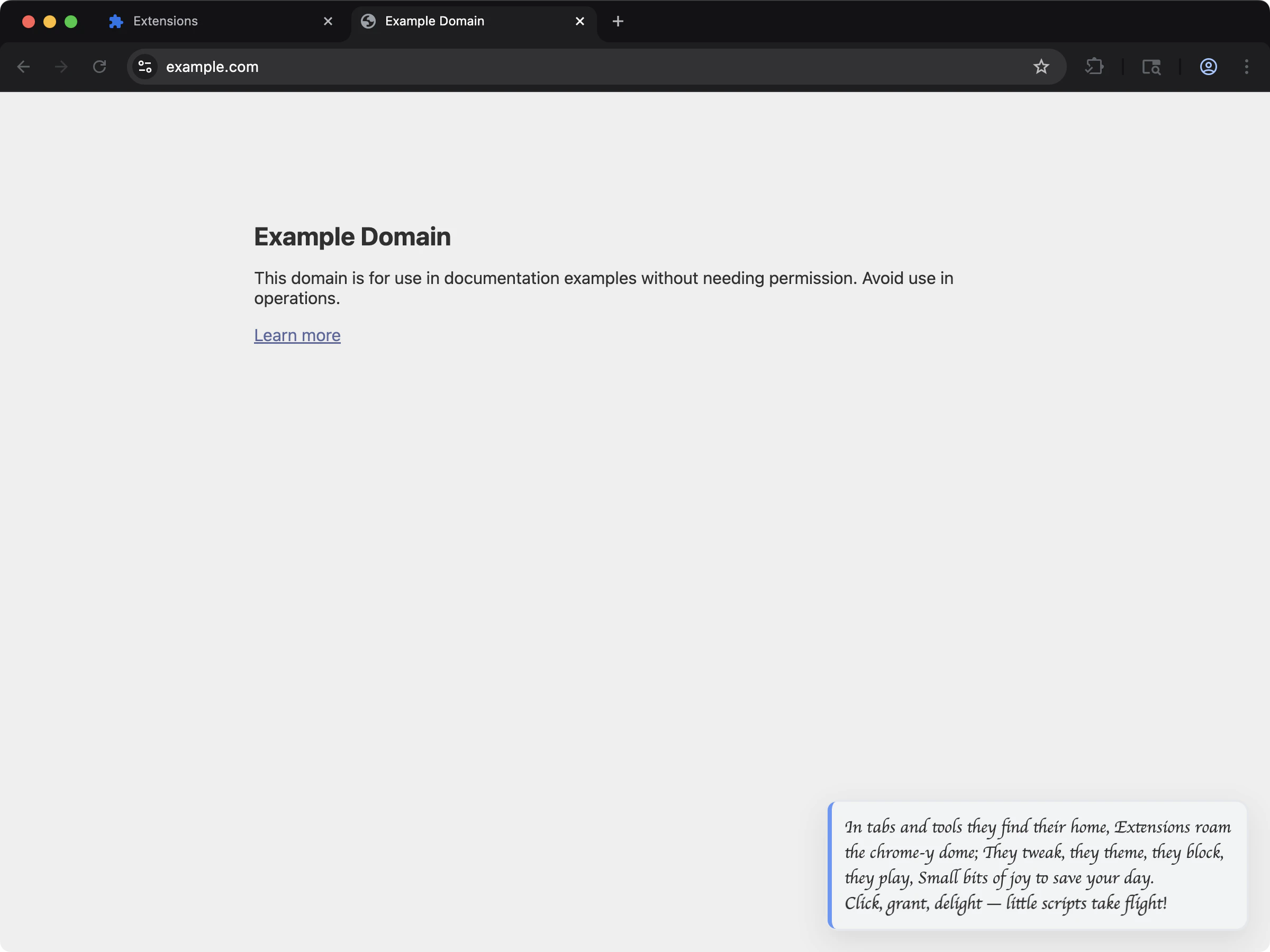 Content script demonstrating custom font loading through CSS.