> ## Documentation Index
> Fetch the complete documentation index at: https://extension.js.org/llms.txt
> Use this file to discover all available pages before exploring further.
# React for browser extensions
> Build browser extension UIs with React using Extension.js. Get auto-configured JSX transforms, aliases, and fast refresh during development.
Extension.js detects React from your project dependencies and configures JSX/TSX transforms, React module aliases, and fast-refresh support for development automatically.
## When React is a good fit
* You are building rich UI surfaces like popup, options, sidebar, or new tab.
* You want component reuse across extension pages and content-script UI mounts.
* You already use React in web projects and want the same development model in extensions.
## Template examples
### `new-react`
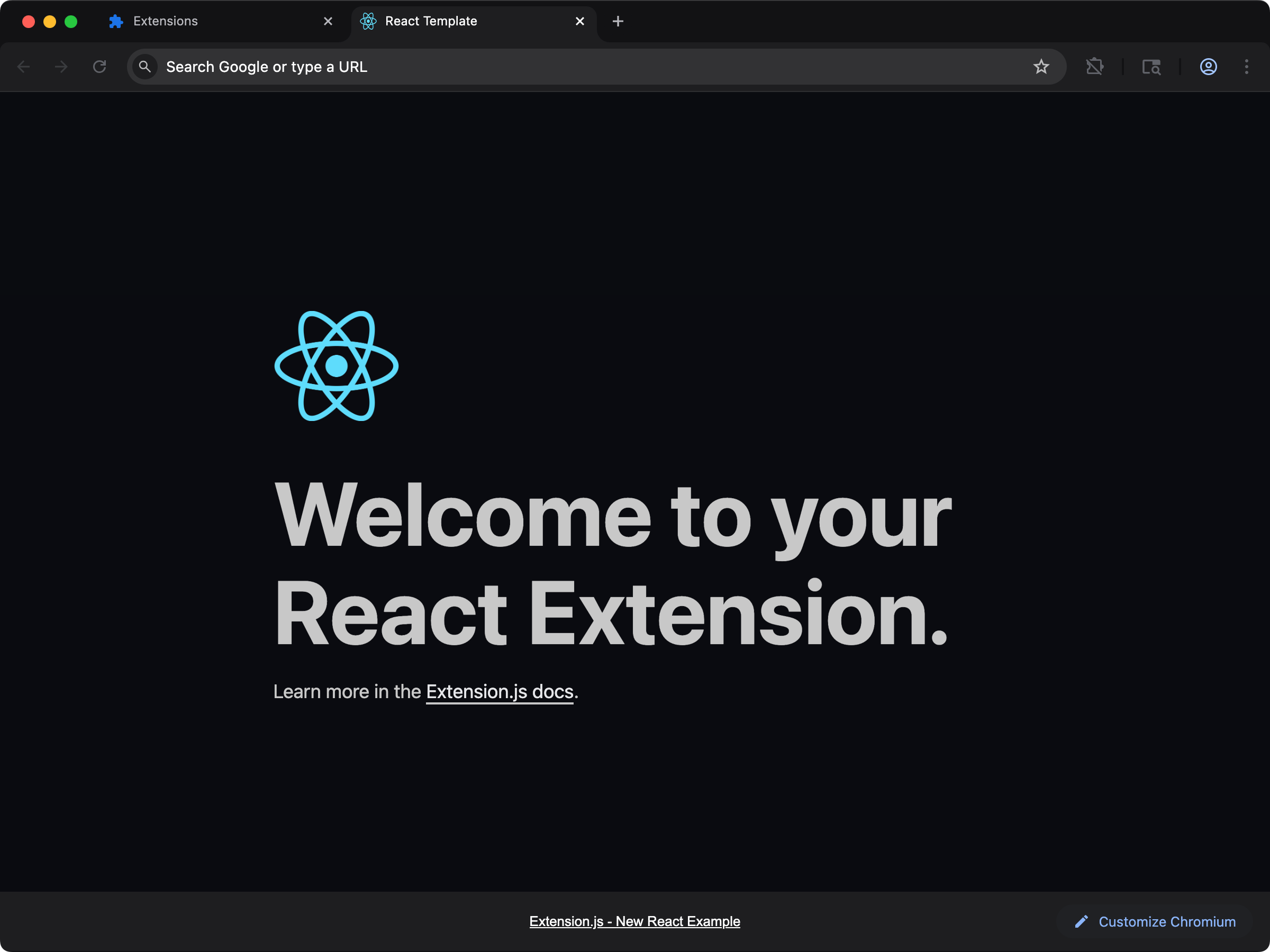
Build a React new-tab experience with a ready-to-run project structure.
```bash npm theme={null}
npx extension@latest create my-extension --template=newtab-react
```
```bash pnpm theme={null}
pnpx extension@latest create my-extension --template=newtab-react
```
```bash yarn 2+ theme={null}
yarn dlx extension@latest create my-extension --template=newtab-react
```
```bash bun theme={null}
bunx extension@latest create my-extension --template=newtab-react
```
```bash deno theme={null}
deno run -A npm:extension@latest create my-extension --template=newtab-react
```
Repository: [extension-js/examples/newtab-react](https://github.com/extension-js/examples/tree/main/examples/newtab-react)
### `content-react`
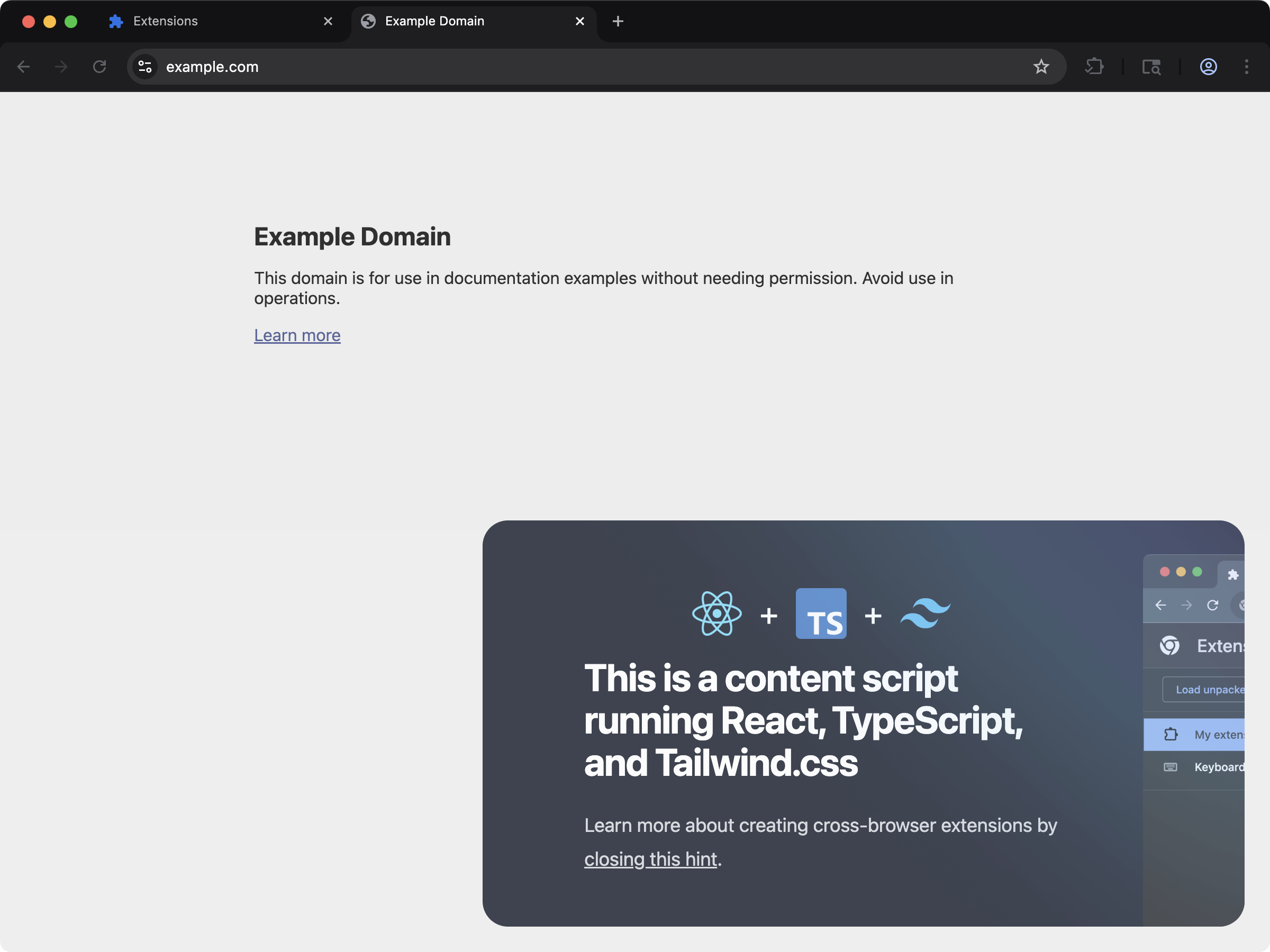
Inject React UI into existing pages with a content-script-first setup.
```bash npm theme={null}
npx extension@latest create my-extension --template=content-react
```
```bash pnpm theme={null}
pnpx extension@latest create my-extension --template=content-react
```
```bash yarn 2+ theme={null}
yarn dlx extension@latest create my-extension --template=content-react
```
```bash bun theme={null}
bunx extension@latest create my-extension --template=content-react
```
```bash deno theme={null}
deno run -A npm:extension@latest create my-extension --template=content-react
```
Repository: [extension-js/examples/content-react](https://github.com/extension-js/examples/tree/main/examples/content-react)
### `new-react-router`
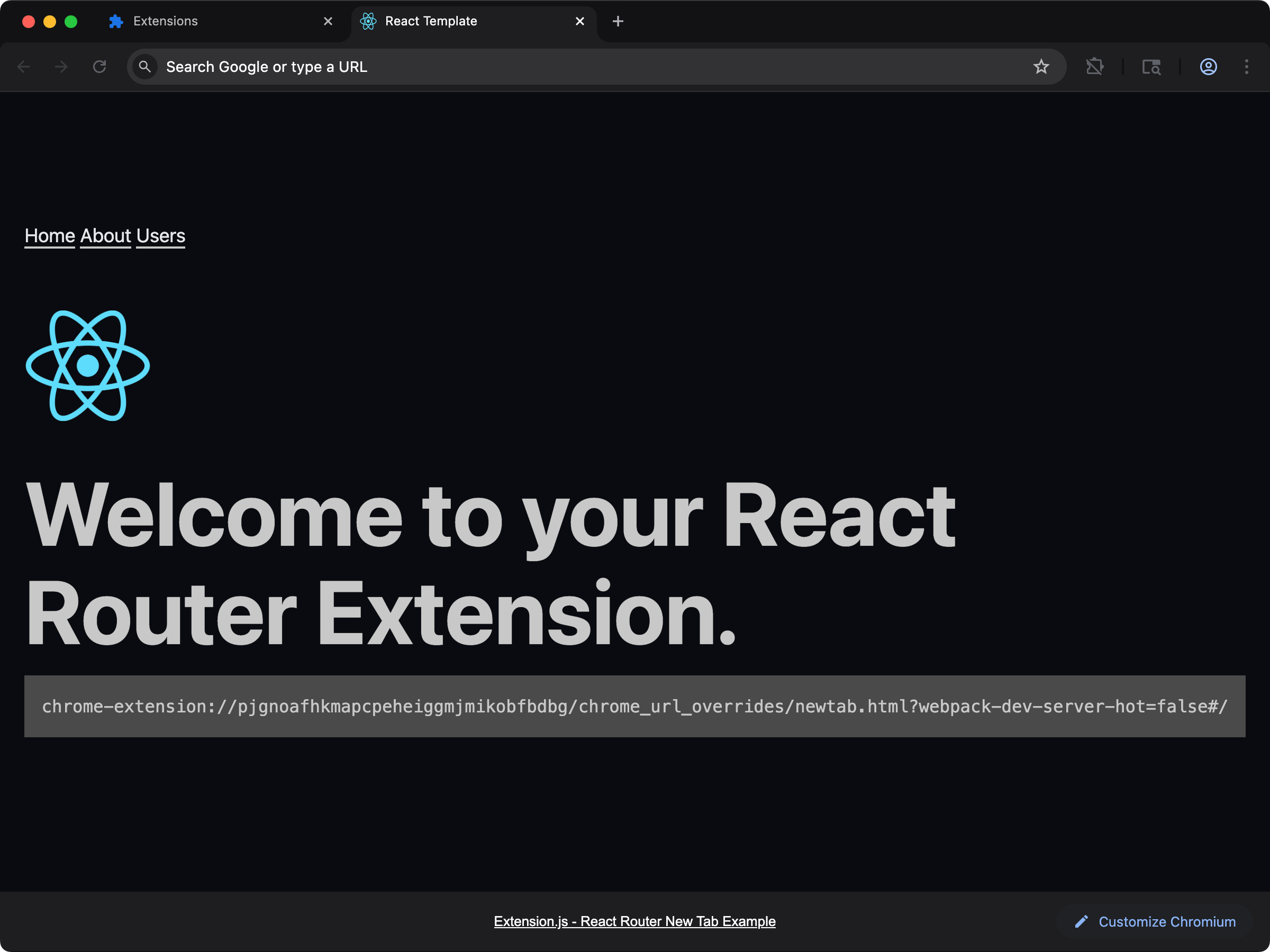
React extension with client-side routing using React Router.
```bash npm theme={null}
npx extension@latest create my-extension --template=newtab-react-router
```
```bash pnpm theme={null}
pnpx extension@latest create my-extension --template=newtab-react-router
```
```bash yarn 2+ theme={null}
yarn dlx extension@latest create my-extension --template=newtab-react-router
```
```bash bun theme={null}
bunx extension@latest create my-extension --template=newtab-react-router
```
```bash deno theme={null}
deno run -A npm:extension@latest create my-extension --template=newtab-react-router
```
Repository: [extension-js/examples/newtab-react-router](https://github.com/extension-js/examples/tree/main/examples/newtab-react-router)
## Usage with an existing extension
Add React to an existing extension with the steps below.
### Installation
Install React runtime dependencies:
```bash npm theme={null}
npm install react react-dom
```
```bash pnpm theme={null}
pnpm add react react-dom
```
```bash yarn theme={null}
yarn add react react-dom
```
```bash bun theme={null}
bun add react react-dom
```
```bash deno theme={null}
deno add npm:react npm:react-dom
```
If you use TypeScript, also install React type packages:
```bash npm theme={null}
npm install -D @types/react @types/react-dom
```
```bash pnpm theme={null}
pnpm add -D @types/react @types/react-dom
```
```bash yarn theme={null}
yarn add -D @types/react @types/react-dom
```
```bash bun theme={null}
bun add -d @types/react @types/react-dom
```
```bash deno theme={null}
deno add -D npm:@types/react npm:@types/react-dom
```
The React integration also uses optional packages such as `react-refresh` and `@rspack/plugin-react-refresh`. Both ship as dependencies of `extension-develop`, so a healthy install already resolves them. When one cannot be resolved, the build fails to start and the error names the packages to install. The install command in the error is phrased for the package manager that your project uses.
### Configuration
Common React file patterns:
* JavaScript: `*.jsx`
* TypeScript: `*.tsx`
## Development behavior
In development mode, Extension.js enables React refresh integration when it detects React.
* Extension.js uses `react-refresh` and `@rspack/plugin-react-refresh` for refresh behavior.
* If the refresh packages cannot be resolved from your project or from `extension-develop`, the build fails to start and prints that install command. Extension.js does not install them for you and does not ask for a restart.
* Extension.js applies React aliases to keep a single React/runtime instance in your bundle.
## Usage examples
### In a new tab extension
Example page entry:
```html theme={null}
New Extension
```
```tsx theme={null}
import React from "react";
import ReactDOM from "react-dom/client";
import App from "./App";
const root = ReactDOM.createRoot(document.getElementById("root"));
root.render(
,
);
```
```tsx theme={null}
export default function App() {
return
Hello, Extension!
;
}
```
### In a `content_script` file
For content scripts, render React into an injected root element:
```tsx theme={null}
import React from "react";
import ReactDOM from "react-dom/client";
import App from "./App";
import "./content.css";
const rootDiv = document.createElement("div");
rootDiv.id = "extension-root";
document.body.appendChild(rootDiv);
const root = ReactDOM.createRoot(rootDiv);
root.render();
```
## Next steps
* Start from the [React template](/docs/getting-started/templates) (`--template=react`) when you want a sidebar panel plus a content script.
* Learn more about [TypeScript support](/docs/languages-and-frameworks/typescript).
* Explore how Extension.js handles [Sass modules](/docs/languages-and-frameworks/sass).
## Video walkthrough
## See the template run
This documentation is built and hosted on [Mintlify](https://mintlify.com), a developer documentation platform.
 Build a React new-tab experience with a ready-to-run project structure.
 Inject React UI into existing pages with a content-script-first setup.
 React extension with client-side routing using React Router.