> ## Documentation Index
> Fetch the complete documentation index at: https://extension.js.org/llms.txt
> Use this file to discover all available pages before exploring further.
# TypeScript for browser extensions
> Build TypeScript browser extensions with zero config. Extension.js supports TS in background scripts, content scripts, and pages via Rspack and SWC.
Extension.js builds and runs browser extensions from one `manifest.json` for Chrome, Edge, Firefox, and Safari. It runs TypeScript across every extension context: background, content scripts, popup, options, and sidebar. It uses the Rspack + SWC pipeline by default. You do not need a separate `tsc` step, a ts-loader, or an extra bundler rule.
Builds do not need the `typescript` package at all. SWC compiles your sources and strips the types. The package matters only for editor tooling and a `tsc --noEmit` typecheck. For that reason a missing `typescript` package never fails a build, unlike missing framework integration packages.
## When TypeScript is a good fit
* You want safer refactors and clearer contracts across extension contexts.
* You share logic between background scripts, content scripts, and UI surfaces.
* You need predictable API usage when working with AI-generated code.
## Template examples
### `new-typescript`
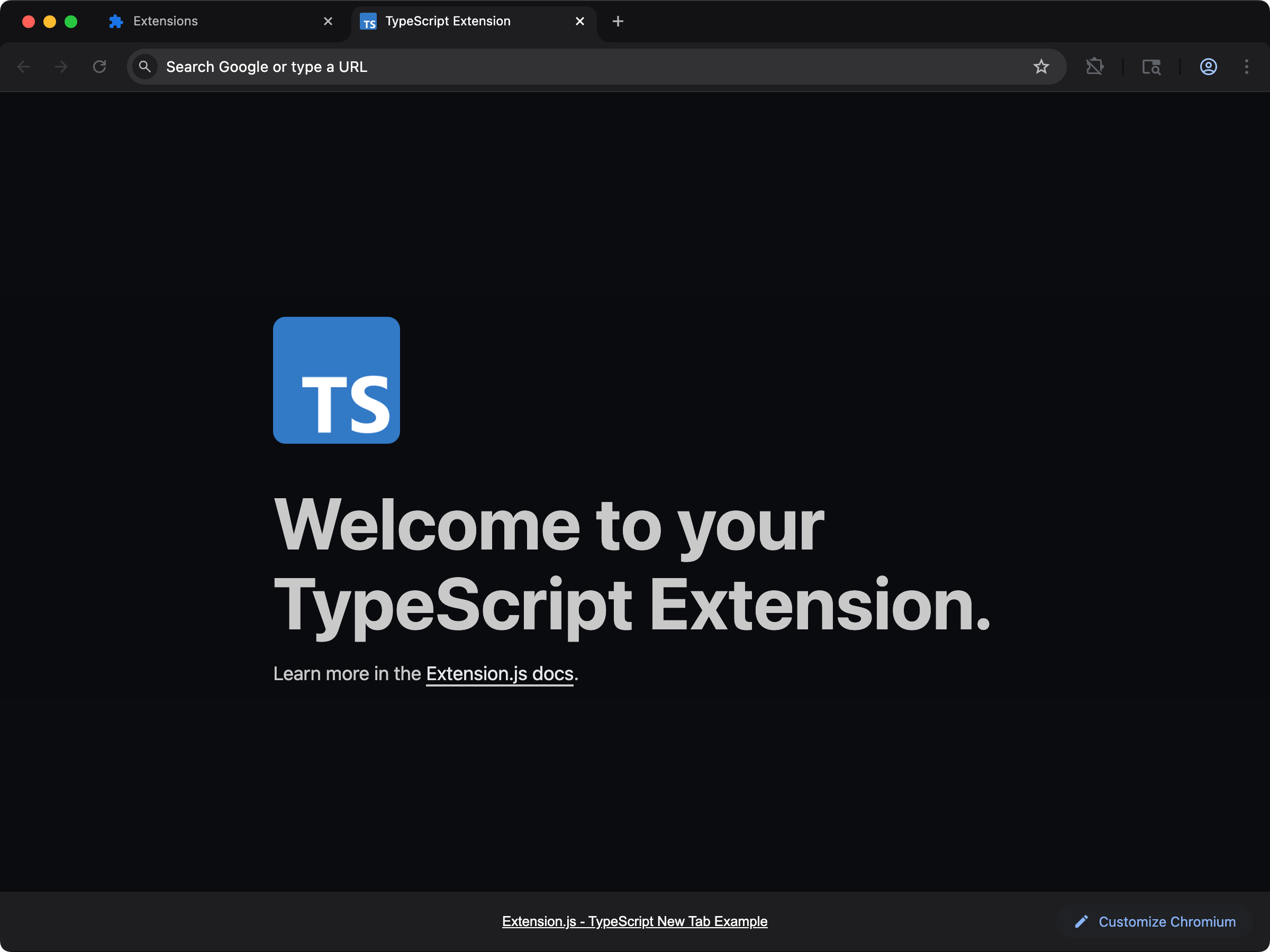 Best for building a new-tab extension with TypeScript defaults already configured.
```bash npm theme={null}
npx extension@latest create my-extension --template=newtab-typescript
```
```bash pnpm theme={null}
pnpx extension@latest create my-extension --template=newtab-typescript
```
```bash yarn 2+ theme={null}
yarn dlx extension@latest create my-extension --template=newtab-typescript
```
```bash bun theme={null}
bunx extension@latest create my-extension --template=newtab-typescript
```
```bash deno theme={null}
deno run -A npm:extension@latest create my-extension --template=newtab-typescript
```
Repository: [extension-js/examples/newtab-typescript](https://github.com/extension-js/examples/tree/main/examples/newtab-typescript)
### `content-typescript`
Best for building a new-tab extension with TypeScript defaults already configured.
```bash npm theme={null}
npx extension@latest create my-extension --template=newtab-typescript
```
```bash pnpm theme={null}
pnpx extension@latest create my-extension --template=newtab-typescript
```
```bash yarn 2+ theme={null}
yarn dlx extension@latest create my-extension --template=newtab-typescript
```
```bash bun theme={null}
bunx extension@latest create my-extension --template=newtab-typescript
```
```bash deno theme={null}
deno run -A npm:extension@latest create my-extension --template=newtab-typescript
```
Repository: [extension-js/examples/newtab-typescript](https://github.com/extension-js/examples/tree/main/examples/newtab-typescript)
### `content-typescript`
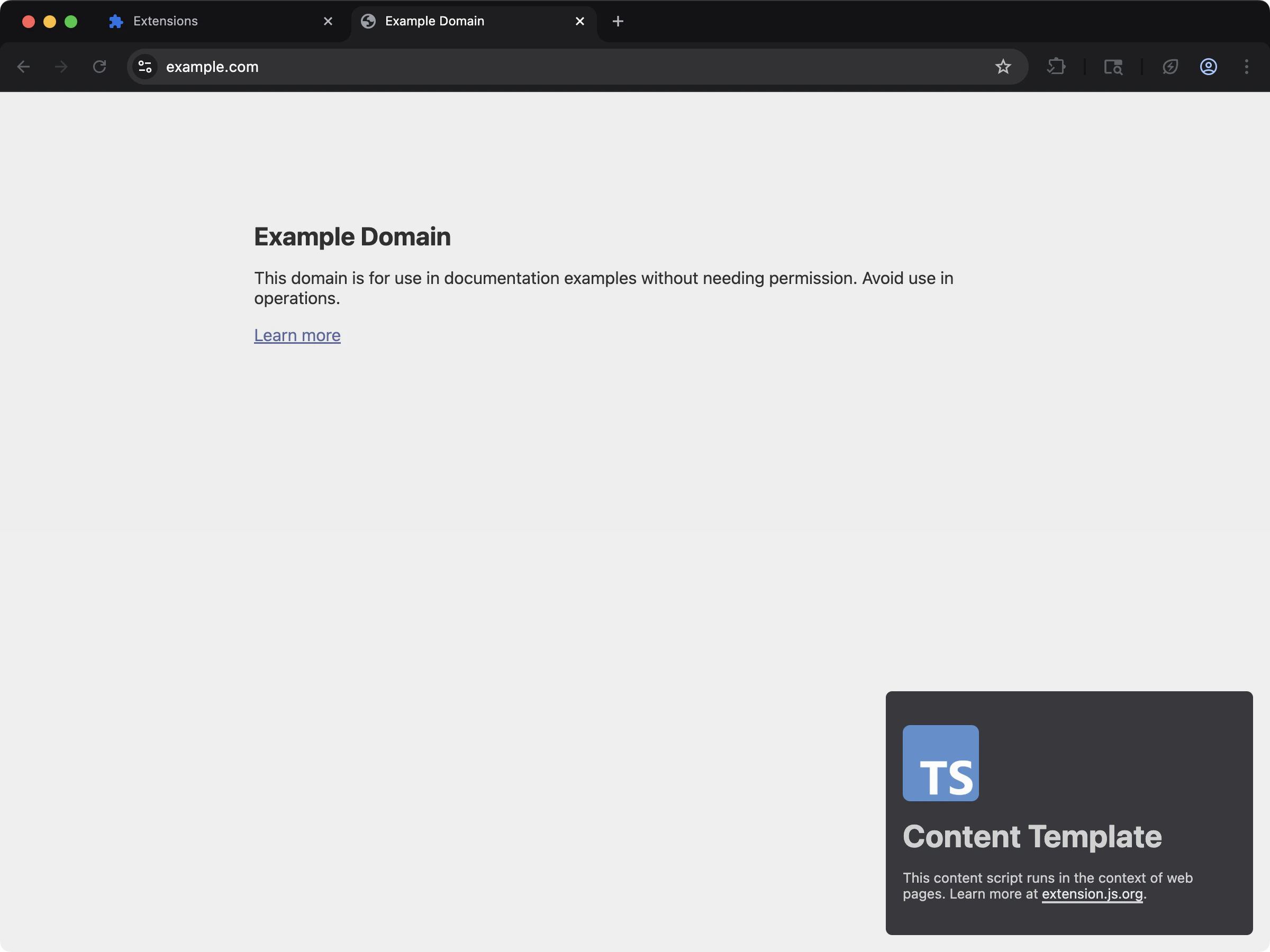 Best for injecting TypeScript-powered content scripts into existing pages.
```bash npm theme={null}
npx extension@latest create my-extension --template=content-typescript
```
```bash pnpm theme={null}
pnpx extension@latest create my-extension --template=content-typescript
```
```bash yarn 2+ theme={null}
yarn dlx extension@latest create my-extension --template=content-typescript
```
```bash bun theme={null}
bunx extension@latest create my-extension --template=content-typescript
```
```bash deno theme={null}
deno run -A npm:extension@latest create my-extension --template=content-typescript
```
Repository: [extension-js/examples/content-typescript](https://github.com/extension-js/examples/tree/main/examples/content-typescript)
## Generated ambient types
For TypeScript projects, Extension.js generates an `extension-env.d.ts` file at your project root with ambient declarations (browser/runtime globals, `EXTENSION_PUBLIC_*` env, and bundler types). Both [`dev`](/docs/commands/dev) and [`build`](/docs/commands/build) regenerate it, so editor types and a CI `tsc --noEmit` stay in sync. Commit it (or git-ignore it). Either works; it's recreated on the next run.
## Usage with an existing extension
Add TypeScript to an existing extension with the steps below.
### Installation
1. Install TypeScript as a development dependency:
```bash npm theme={null}
npm install -D typescript
```
```bash pnpm theme={null}
pnpm add -D typescript
```
```bash yarn theme={null}
yarn add -D typescript
```
```bash bun theme={null}
bun add -d typescript
```
```bash deno theme={null}
deno add -D npm:typescript
```
2. Initialize the TypeScript configuration file `tsconfig.json`:
```bash npm theme={null}
npx tsc --init
```
```bash pnpm theme={null}
pnpm exec tsc --init
```
```bash yarn theme={null}
yarn tsc --init
```
```bash bun theme={null}
bunx tsc --init
```
```bash deno theme={null}
deno run -A npm:typescript/tsc --init
```
### Configuration
#### TypeScript detection and requirements
Extension.js looks for `tsconfig.json` next to your `package.json`.
* `.ts` source files with no `tsconfig.json` get a baseline one written into the project. The build says `Creating a default tsconfig.json` and carries on.
* A project that declares the `typescript` dependency but has no `tsconfig.json` and no `.ts` sources yet gets a baseline one written for it.
Example baseline configuration:
```json theme={null}
{
"compilerOptions": {
"allowJs": true,
"allowSyntheticDefaultImports": true,
"esModuleInterop": true,
"forceConsistentCasingInFileNames": true,
"isolatedModules": false,
"jsx": "react-jsx",
"jsxImportSource": "react",
"lib": ["dom", "dom.iterable", "esnext"],
"moduleResolution": "bundler",
"module": "esnext",
"resolveJsonModule": true,
"strict": true,
"target": "esnext",
"skipLibCheck": true
},
"exclude": ["node_modules", "dist"]
}
```
Two defaults worth knowing:
* `moduleResolution` is `bundler`, which models the Rspack + SWC pipeline. The removed `node` (node10) mode fails `tsc --noEmit` on TypeScript 7.
* `jsx` is `react-jsx` only when Extension.js detects a JSX framework in the project. Without one, it stays `preserve` and `jsxImportSource` is left out. From 4.1.20, a framework project also gets `jsxImportSource` set to `react`, `preact`, `vue`, or `solid-js` to match the detected framework, so `tsc --noEmit` resolves the same JSX runtime as the build.
#### Automatic types
Extension.js generates `extension-env.d.ts` in your project root during development. This file includes type declarations for Extension.js APIs and browser polyfill types.
```ts theme={null}
// Required Extension.js types for TypeScript projects.
// This file is auto-generated and should not be excluded.
// If you need additional types, consider creating a new *.d.ts file and
// referencing it in the "include" array of your tsconfig.json file.
// See https://www.typescriptlang.org/tsconfig#include for more information.
///
// Polyfill types for browser.* APIs.
///
```
#### Transpilation vs type-checking
The default bundler pipeline compiles TypeScript but does not run full `tsc` type-checking as part of bundling.
Recommended scripts:
```json theme={null}
{
"scripts": {
"dev": "extension dev",
"typecheck": "tsc --noEmit"
}
}
```
## Next steps
* Learn how Extension.js handles [ECMAScript modules](/docs/languages-and-frameworks/ecmascript-modules).
* Explore styling options like [Sass modules](/docs/languages-and-frameworks/sass).
* Read about [JavaScript and TypeScript files in browser extensions](/docs/concepts/javascript-typescript-browser-extension-files).
* Compare TypeScript support across each [browser extension framework](/docs/compare).
## Video walkthrough
This documentation is built and hosted on [Mintlify](https://mintlify.com), a developer documentation platform.
Best for injecting TypeScript-powered content scripts into existing pages.
```bash npm theme={null}
npx extension@latest create my-extension --template=content-typescript
```
```bash pnpm theme={null}
pnpx extension@latest create my-extension --template=content-typescript
```
```bash yarn 2+ theme={null}
yarn dlx extension@latest create my-extension --template=content-typescript
```
```bash bun theme={null}
bunx extension@latest create my-extension --template=content-typescript
```
```bash deno theme={null}
deno run -A npm:extension@latest create my-extension --template=content-typescript
```
Repository: [extension-js/examples/content-typescript](https://github.com/extension-js/examples/tree/main/examples/content-typescript)
## Generated ambient types
For TypeScript projects, Extension.js generates an `extension-env.d.ts` file at your project root with ambient declarations (browser/runtime globals, `EXTENSION_PUBLIC_*` env, and bundler types). Both [`dev`](/docs/commands/dev) and [`build`](/docs/commands/build) regenerate it, so editor types and a CI `tsc --noEmit` stay in sync. Commit it (or git-ignore it). Either works; it's recreated on the next run.
## Usage with an existing extension
Add TypeScript to an existing extension with the steps below.
### Installation
1. Install TypeScript as a development dependency:
```bash npm theme={null}
npm install -D typescript
```
```bash pnpm theme={null}
pnpm add -D typescript
```
```bash yarn theme={null}
yarn add -D typescript
```
```bash bun theme={null}
bun add -d typescript
```
```bash deno theme={null}
deno add -D npm:typescript
```
2. Initialize the TypeScript configuration file `tsconfig.json`:
```bash npm theme={null}
npx tsc --init
```
```bash pnpm theme={null}
pnpm exec tsc --init
```
```bash yarn theme={null}
yarn tsc --init
```
```bash bun theme={null}
bunx tsc --init
```
```bash deno theme={null}
deno run -A npm:typescript/tsc --init
```
### Configuration
#### TypeScript detection and requirements
Extension.js looks for `tsconfig.json` next to your `package.json`.
* `.ts` source files with no `tsconfig.json` get a baseline one written into the project. The build says `Creating a default tsconfig.json` and carries on.
* A project that declares the `typescript` dependency but has no `tsconfig.json` and no `.ts` sources yet gets a baseline one written for it.
Example baseline configuration:
```json theme={null}
{
"compilerOptions": {
"allowJs": true,
"allowSyntheticDefaultImports": true,
"esModuleInterop": true,
"forceConsistentCasingInFileNames": true,
"isolatedModules": false,
"jsx": "react-jsx",
"jsxImportSource": "react",
"lib": ["dom", "dom.iterable", "esnext"],
"moduleResolution": "bundler",
"module": "esnext",
"resolveJsonModule": true,
"strict": true,
"target": "esnext",
"skipLibCheck": true
},
"exclude": ["node_modules", "dist"]
}
```
Two defaults worth knowing:
* `moduleResolution` is `bundler`, which models the Rspack + SWC pipeline. The removed `node` (node10) mode fails `tsc --noEmit` on TypeScript 7.
* `jsx` is `react-jsx` only when Extension.js detects a JSX framework in the project. Without one, it stays `preserve` and `jsxImportSource` is left out. From 4.1.20, a framework project also gets `jsxImportSource` set to `react`, `preact`, `vue`, or `solid-js` to match the detected framework, so `tsc --noEmit` resolves the same JSX runtime as the build.
#### Automatic types
Extension.js generates `extension-env.d.ts` in your project root during development. This file includes type declarations for Extension.js APIs and browser polyfill types.
```ts theme={null}
// Required Extension.js types for TypeScript projects.
// This file is auto-generated and should not be excluded.
// If you need additional types, consider creating a new *.d.ts file and
// referencing it in the "include" array of your tsconfig.json file.
// See https://www.typescriptlang.org/tsconfig#include for more information.
///
// Polyfill types for browser.* APIs.
///
```
#### Transpilation vs type-checking
The default bundler pipeline compiles TypeScript but does not run full `tsc` type-checking as part of bundling.
Recommended scripts:
```json theme={null}
{
"scripts": {
"dev": "extension dev",
"typecheck": "tsc --noEmit"
}
}
```
## Next steps
* Learn how Extension.js handles [ECMAScript modules](/docs/languages-and-frameworks/ecmascript-modules).
* Explore styling options like [Sass modules](/docs/languages-and-frameworks/sass).
* Read about [JavaScript and TypeScript files in browser extensions](/docs/concepts/javascript-typescript-browser-extension-files).
* Compare TypeScript support across each [browser extension framework](/docs/compare).
## Video walkthrough
This documentation is built and hosted on [Mintlify](https://mintlify.com), a developer documentation platform.