

Cross-browser extension development
Cross-browser extension development means writing one extension that ships to Chrome, Edge, Firefox, and Safari without forking the codebase. Extension.js compiles a single project into per-browser artifacts (dist/chrome, dist/edge, dist/firefox, dist/safari) and filters the manifest for the active target. The reload loop, runtime APIs, and packaging all match the browser you are debugging.
Use one manifest.json and target specific browsers or custom binaries. Enable the polyfill when you need browser.* in Chromium browsers older than version 148.
Chrome and Firefox extension compatibility
Chrome and Firefox extensions share most of the WebExtensions surface but differ in three places that matter every day:- Background scripts: Chrome (Manifest V3) requires
background.service_worker. Firefox usesbackground.scriptswith non-persistent event pages. Extension.js translates between the two shapes in both directions, so either spelling works from one manifest. - Runtime API namespace: Firefox supports
browser.*natively. Chromium supportschrome.*on every version, andbrowser.*from version 148 (152 when the extension declares adevtools_page). Pass--polyfillto bridge the gap on older Chromium versions. - Permissions and content security policy (CSP): Browsers evaluate some
permissionsandhost_permissionsentries differently. Keep browser-specific values behind prefixed manifest keys instead of feature-detecting at runtime.
Browser-specific manifest fields
Browser-specific manifest fields are how Extension.js keeps a singlemanifest.json working across browsers. At compile time, Extension.js filters prefixed keys (chromium:, chrome:, edge:, firefox:, gecko:, safari:) to the active target. chromium: reaches every Chromium-family browser, while chrome: and edge: reach only that browser. Unprefixed keys apply everywhere. See Browser-specific manifest fields for the full prefix list.
Template examples
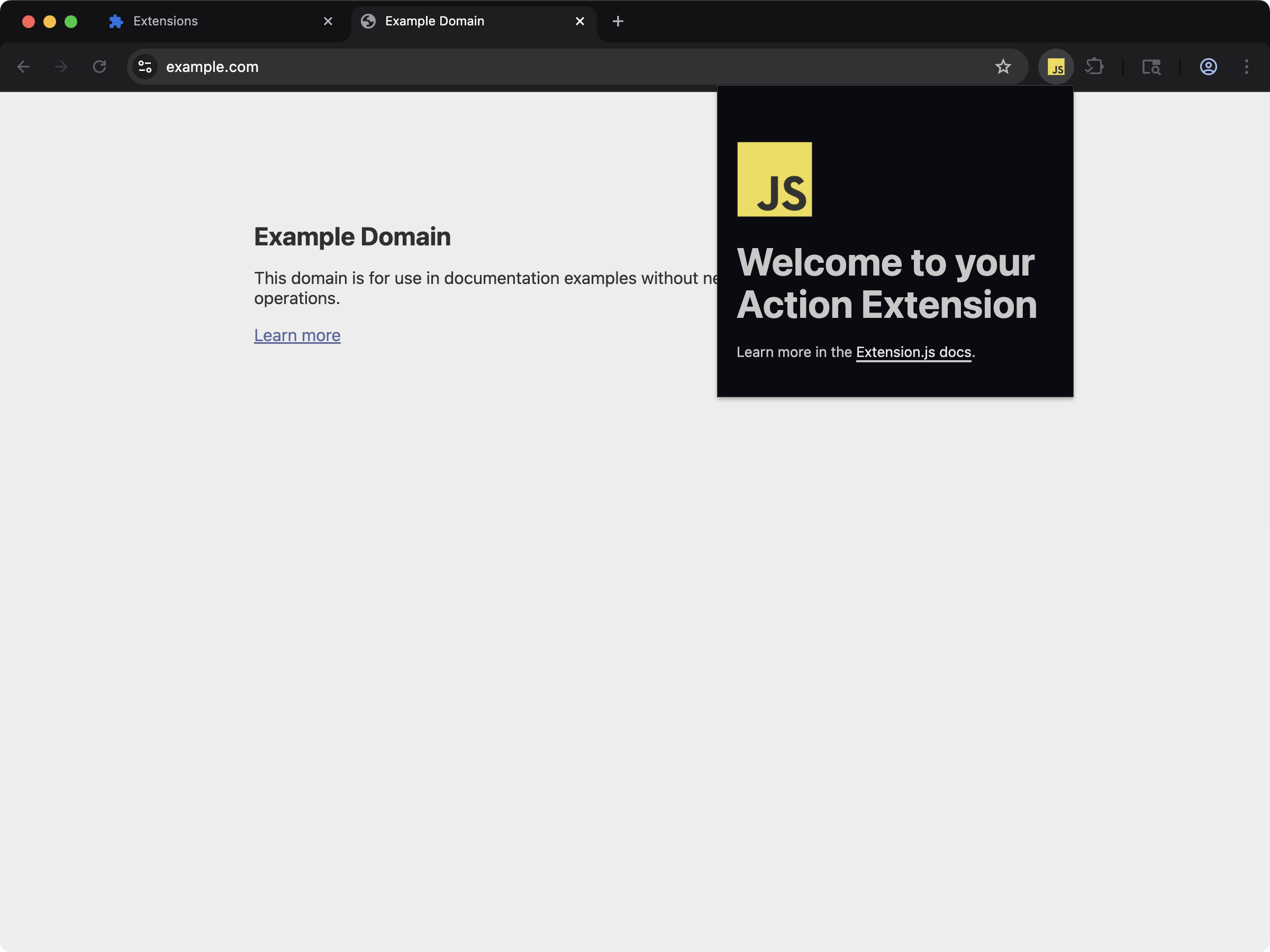
action
How it works
1) Choose a browser target
Choose where you want to run your extension. Use--browser for common targets, or pass a custom browser binary.
- macOS:
/Applications/Brave Browser.app/Contents/MacOS/Brave Browser - Linux:
/usr/bin/brave-browser(or another Chromium-based browser binary) - Windows:
"C:\\Program Files\\BraveSoftware\\Brave-Browser\\Application\\brave.exe"
--browser safari converts the extension and builds a Safari app through Xcode. See Building Safari extensions.
When you pass a binary, Extension.js maps it to a browser engine target:
chromium-basedfor--chromium-binarygecko-basedfor--gecko-binary
2) Compile with browser-specific manifest filtering
During compilation, Extension.js includes only the manifest fields for your selected browser. For example:chromium: for the whole family, and chrome: or edge: for one browser.For Firefox-family targets, Extension.js uses
firefox: and gecko:.For Safari targets,
safari: and webkit: win over the chromium: keys that Safari inherits.
See Browser-specific manifest fields
for full details on prefixed manifest fields.
Background translation is bidirectional
You do not need prefixed background keys for the common case. Extension.js translates a plain MV3background in both directions:
- A Gecko build that finds
background.service_workerand nobackground.scriptsrepoints the background at the emitted bundle throughscripts. It dropsservice_workerandtype, which Firefox rejects. - A Chromium MV3 build that finds
background.scriptsfillsservice_workerfrom the first script when no worker is set.
scripts is always removed from the output. Chromium MV3 never starts background.scripts. With no service_worker beside it, Chrome 151 loads the extension, shows no error, and runs no background.
Firefox builds drop permissions that Firefox rejects
From the release after 4.1.39, a Gecko build removes the permission strings that Firefox rejects frompermissions and optional_permissions, for example sidePanel, debugger, and offscreen. The build prints a warning that lists each one. Those strings grant nothing on Firefox, so the extension loses nothing that it could have run. Declare a Firefox-only replacement with the firefox: prefix if you have one.
The build keeps incognito: "split" as declared and says so. Firefox has no split mode and reads the value as "not_allowed", so the extension never runs in private windows. Set firefox:incognito to "spanning" or "not_allowed" to choose.
Each build repairs the keys that its browser refuses
Some manifest keys load in one browser and make another browser refuse the whole extension. A build repairs the emitted manifest for its own target and names each repair. Your sourcemanifest.json stays as written.
options_ui.chrome_style: a Chromium build under Manifest V3 removes the key. Chrome refuses the extension over it, whatever its value. Firefox and Safari builds keep it, and so does a Manifest V2 build.- Icon size keys: Chrome and Firefox builds remove each size key that the engine refuses. This covers
iconsand thedefault_iconofaction,browser_action, andpage_action. Both engines take only a whole pixel size such as"48", so"48.5","big", and"0"go. Firefox also refuses a leading zero such as"016", so only a Firefox build removes that key. A Safari build keeps every key. - Empty
background.scripts: a Firefox build removes an empty list. Firefox starts an empty background page for it, where Chrome and Safari start none. When nothing else names a background, thebackgroundkey goes too. web_accessible_resourcespattern with../: the pattern stays in the manifest, the build copies no file for it, and a warning names the path to write instead. Chrome and Firefox expose no file for such a pattern. Write it from the extension root, for exampleassets/*.trial_tokensandbackground.async_listener_registration: both keys pass through unchanged on every target.
3) Output per browser target
Extension.js writes each target to its own build folder:dist/chromedist/edgedist/firefoxdist/chromium(the default target)dist/chromium-based(custom Chromium engines)dist/gecko-based(custom Gecko engines)dist/safari(Safari, with the generated Xcode project indist/safari-xcode)
4) Optional browser.* polyfill for Chromium targets
Chromium 148 and later expose every extension API under browser as well as chrome, so browser.* code runs there without a polyfill. An extension that declares a devtools_page gets the native browser namespace only from Chromium 152. The Chromium version decides this, not the Chrome brand, so the same numbers apply to Edge and other Chromium browsers.
The polyfill is off by default in dev, start, and build. To opt in, pass --polyfill or set commands.<command>.polyfill to true in extension.config.js.
You still need the polyfill when your users run a Chromium browser older than 148, or older than 152 with a devtools_page. If you do not support those versions, set "minimum_chrome_version": "148" in the manifest ("152" with a devtools_page) and build without the polyfill.
If your code uses browser.* and you support those older versions, enable --polyfill for Chromium-family targets:
webextension-polyfill (Mozilla’s browser.* compatibility library) for Chromium targets only. Firefox and Safari ship browser.* natively.Extension.js skips this step for Firefox because Firefox already supports
browser.* natively.
The polyfill module resolves from your project first, then from the bundled Extension.js dependency. Package managers may hoist webextension-polyfill to your project root, and a copy you installed yourself wins over the bundled one. When no copy resolves at all, the build prints a warning and continues without the polyfill instead of failing.
From the release after 4.1.41, the polyfill stays out of code that runs without the extension API. That covers MAIN world content scripts and sandboxed pages. It also covers scripts that your code registers or injects into the MAIN world with chrome.scripting. In those files, browser is the page’s own global. Earlier releases bundled the polyfill there too, where it throws when it loads.
When a script reads browser.* with the polyfill off, and the manifest still lets an older Chromium in, the build prints one warning:
dev session prints that warning only for an extension that declares a devtools_page.
Upgrade note
Earlier releases turned the polyfill on by default indev and start. If your code reads browser.* and you support a Chromium browser older than 148, add --polyfill to those commands. You can also set commands.dev.polyfill and commands.start.polyfill to true.
An extension that declares a devtools_page needs the same change until its users run Chromium 152 or later, because the browser that dev launches can still be below 152. build already left the polyfill off, so its output does not change.
Build warnings for browser differences
Some code works in one browser and fails in another with no error at build time. The build warns about three such cases. Each warning leaves the output unchanged, and the build continues.Content script matches are not host access on Chrome
Firefox reads thematches of a content script as host access, and Chrome does not. A Chromium build of a Manifest V3 extension warns when all three conditions hold:
- The manifest declares
scripting,cookies, orwebRequest. - The manifest has content scripts.
- The manifest names no host permission.
host_permissions, or to chromium:host_permissions. The warning stays quiet when the manifest has any host_permissions, any optional_host_permissions, or activeTab. Firefox and Safari builds do not print it. A dev session prints it once, and a production build prints it on every run.
On Chrome, permissions.contains lists the matched origin even without the host permission, so that call cannot detect the gap.
Six methods take no callback on Firefox
Firefox takes these methods in promise form only and throwsIncorrect argument types when a script passes a callback:
action.setBadgeTextColoraction.getBadgeTextColoraction.isEnabledaction.openPopuptabs.discardtabs.ungroup
Rulesets that Chrome refuses
A Chromium build warns about twodeclarativeNetRequest ruleset shapes that make Chrome refuse the whole extension. See Rulesets that Chrome refuses for both.
Best practices
- Keep one codebase: Put browser differences in prefixed manifest fields when possible.
- Build one target at a time: Generate dedicated artifacts (
dist/<browser>) for each browser in continuous integration (CI). - Use
--polyfillwhen needed:dev,start, andbuildleave it off until you pass--polyfill. You need the polyfill only for a Chromium browser older than 148, or older than 152 with adevtools_page. - Check API support early: Use MDN WebExtensions docs before relying on browser-specific APIs.
Next steps
- Learn more about the Browsers available.
- Learn more about Browser-specific manifest fields.