

When Tailwind CSS is a good fit
- You need fast UI iteration across multiple extension surfaces.
- You prefer utility-first styling with shared tokens.
- You want consistent styling patterns across page and content-script entries.
Tailwind capabilities
Template examples
Sidebar + Tailwind + shadcn/ui
Use this template when you want a complete Tailwind setup in a real extension UI surface.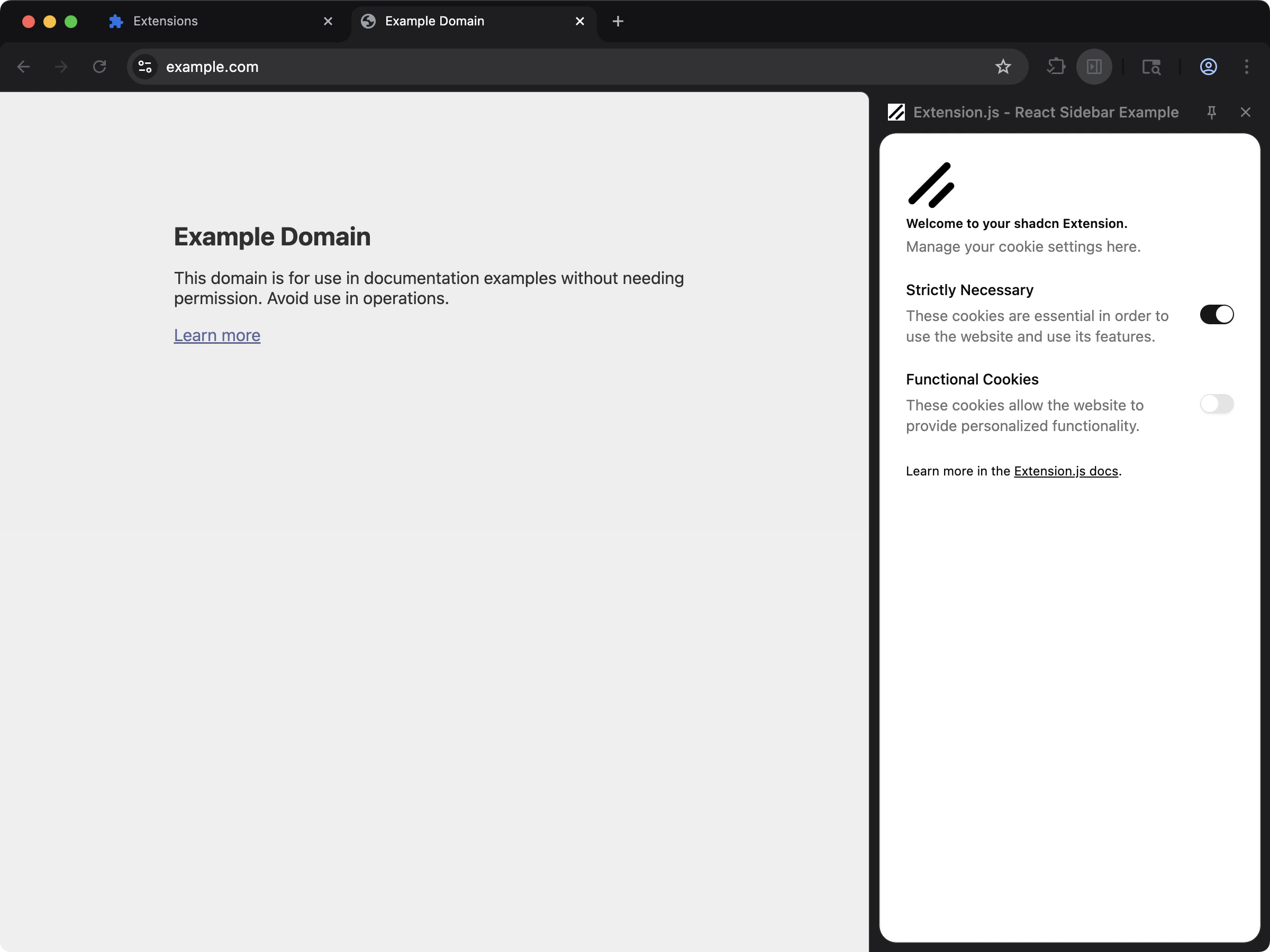
Usage with an existing extension
Installation
Install the required dependencies:Configuration
Createpostcss.config.js:
tailwindcss as the PostCSS plugin and keep a tailwind.config.js content list.
Tailwind v4 vs v3 quick setup
Tailwind content paths (v3 style)
Usage
Create a global stylesheet and import Tailwind:Create the global CSS file
In a page script (popup/options/new-tab)
In a content script
import "./styles/globals.css" styles nothing in a content script. See CSS, Sass, and Less for every route.
Body fonts on extension pages
Chrome adds its own stylesheet to extension pages. That stylesheet sets thebody font family to system-ui, sans-serif and the font size to 75%, and it is not in a cascade layer. Styles outside a layer beat layered styles, so a font that you set only in @layer base does not reach body or the elements inside it.
Set the body font in a rule outside any layer:
:root prefix makes the rule win in whatever order the stylesheets load. Keep your other base styles in @layer base.
Best practices
- Keep Tailwind source imports in shared style entry files (
styles/globals.css). - Ensure your content scanning includes
pages/,scripts/, andsrc/when relevant. - In monorepos, verify Tailwind content paths resolve from the extension project root.
- Use templates when possible to avoid configuration drift between PostCSS and Tailwind versions.