

buffer, stream, or os, you see a resolution error at build time. The sections below explain when to add polyfills and when to choose a browser-native alternative.
When Node polyfills are a good fit
- A required dependency needs Node core modules in browser runtime.
- You are incrementally migrating code from Node-centric packages.
- You can accept larger bundles for specific runtime capabilities.
Template examples
new-typescript
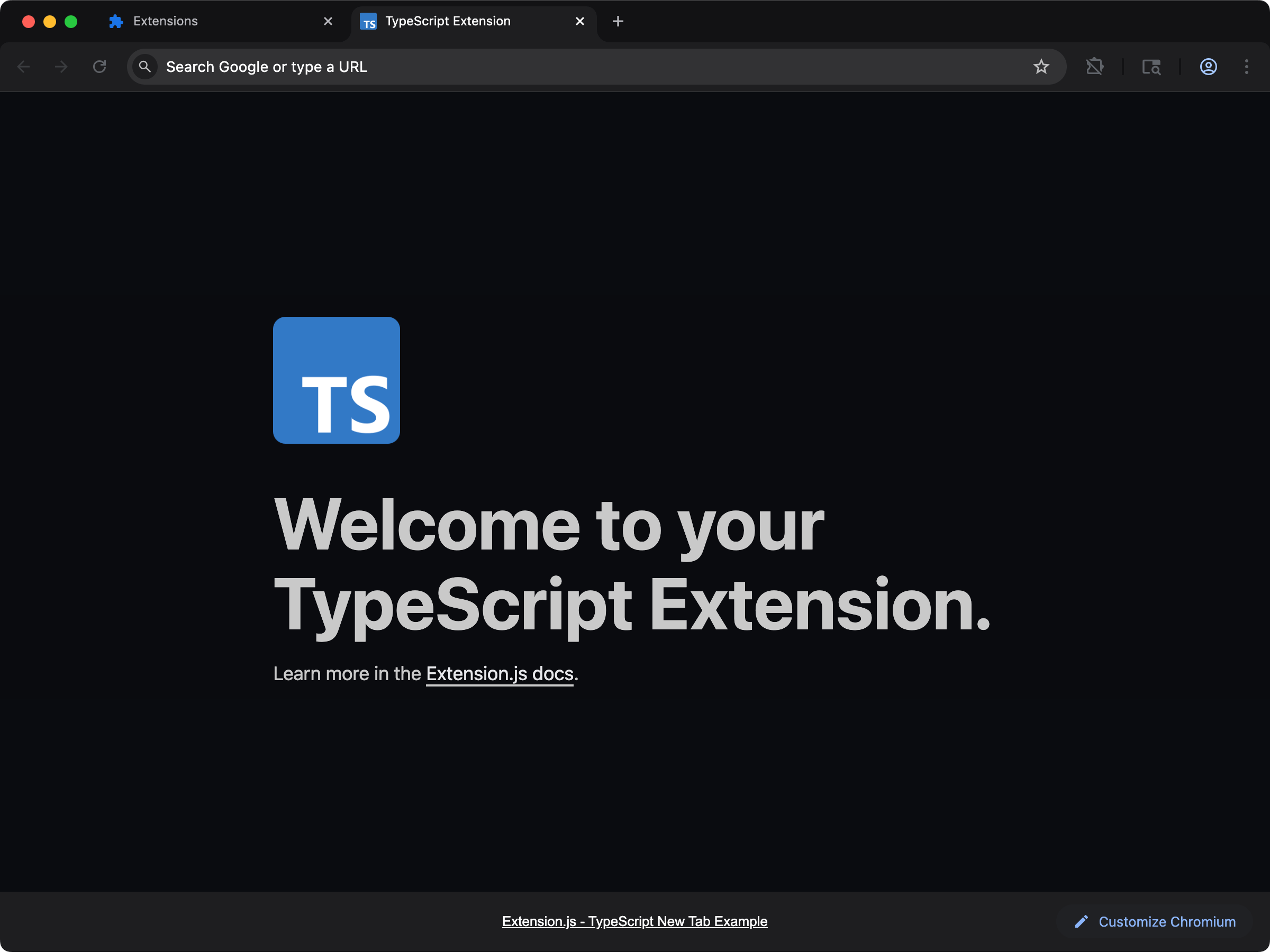
content-typescript
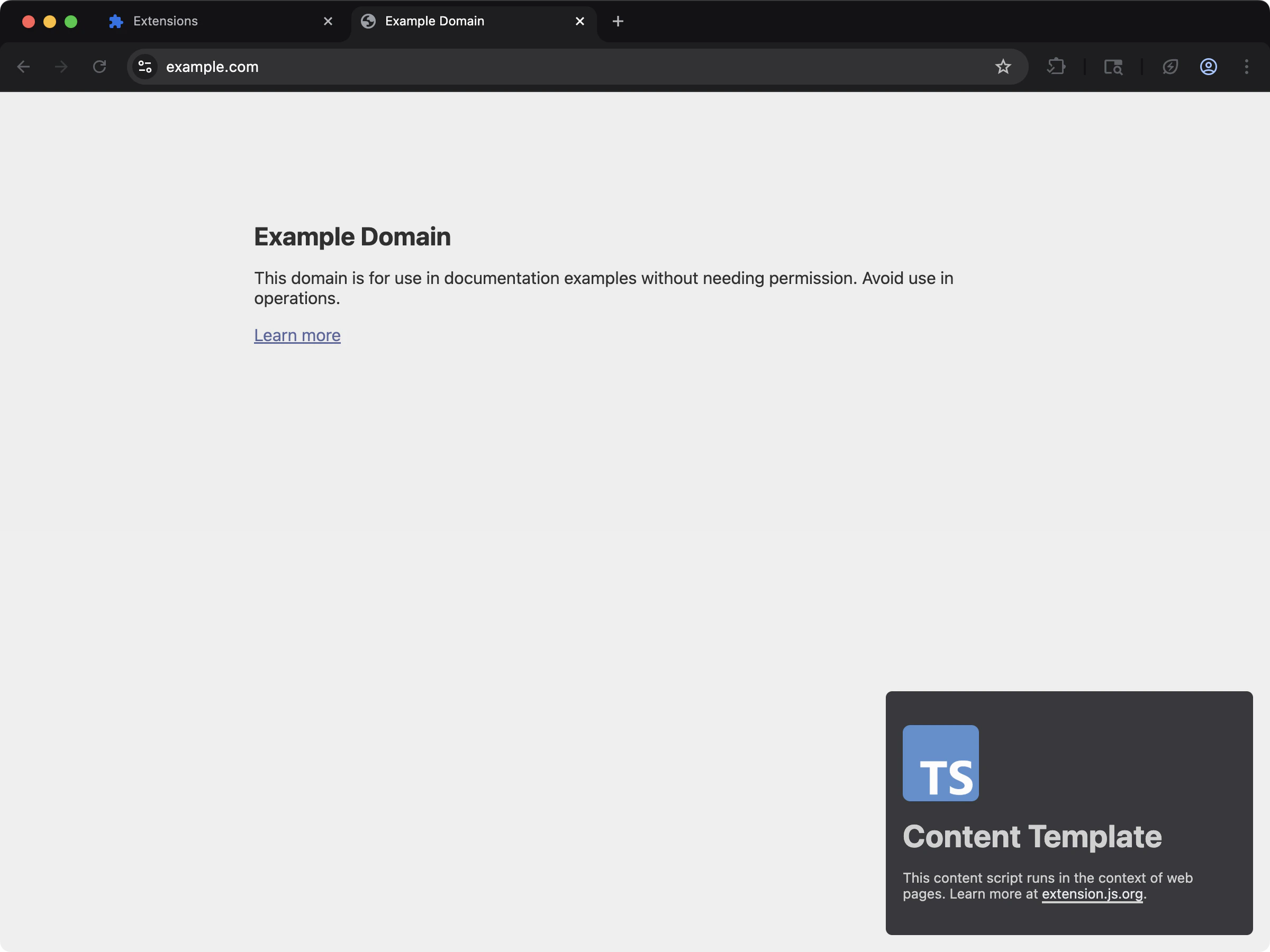
new-crypto
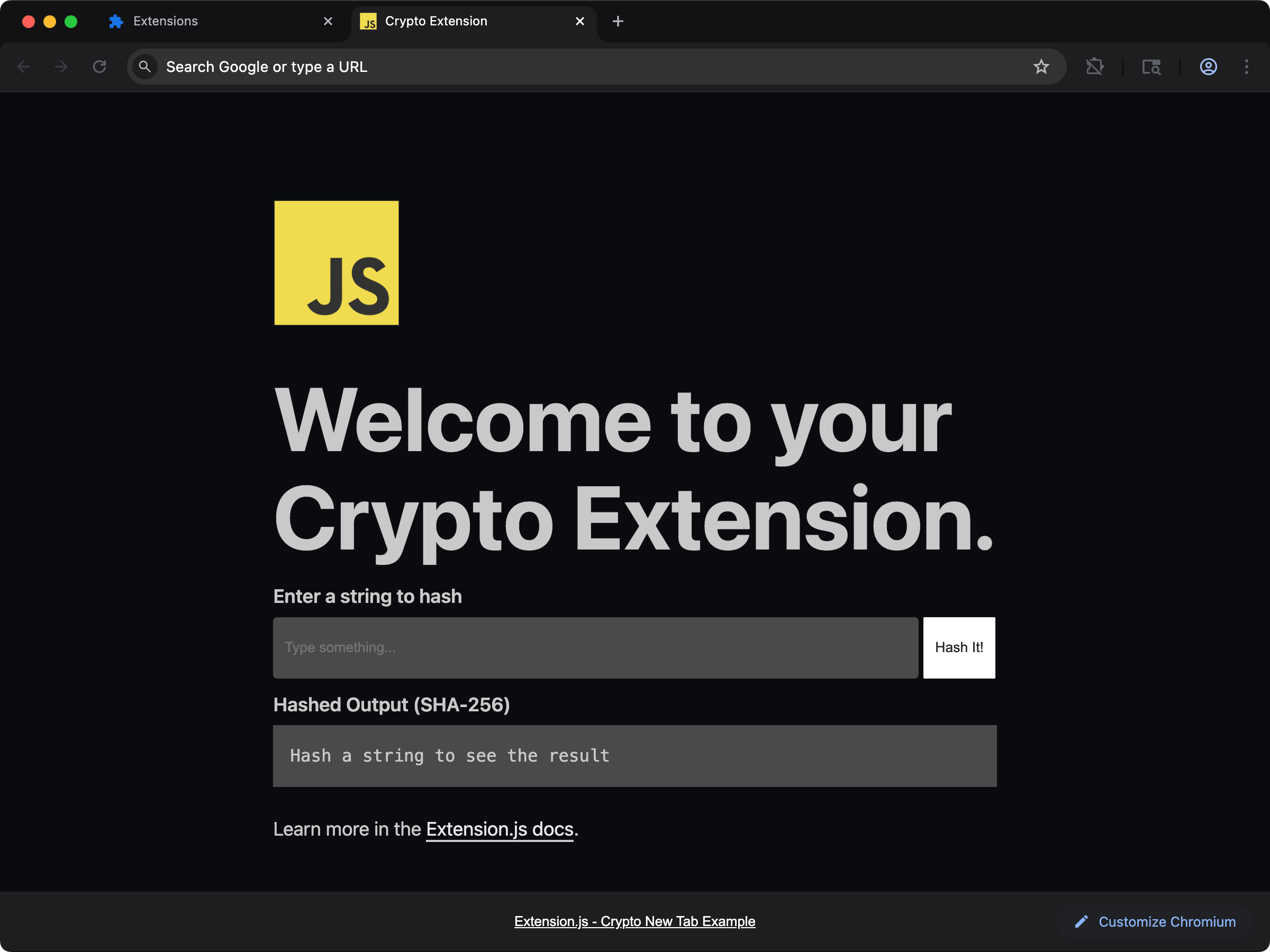
window.crypto.subtle) used directly in a new-tab extension, no polyfill.
Default behavior
- Build target is browser-first (
web). - Resolution prioritizes browser exports (
browser,module,main). crypto,path, andfsare mapped tofalse, so they resolve to an empty module. The build succeeds and the import fails at runtime instead (for examplepath.joinis undefined).- Every other Node core module, including
buffer,stream,osandnode:-prefixed specifiers, has no fallback and fails the build withModule not found: Can't resolve.
node: specifiers and the build error
From the release after 4.1.39, node:fs and fs are the same request, so both spellings get the same answer:
crypto,fs, andpathresolve to an empty module under either spelling. That includes a subpath such asfs/promises.- Any other built-in stops the build. The message names the built-in, the file that imports it, and the
resolve.fallbackkey to set. - A
require()of a built-in with no stand-in is a warning. The call stays verbatim in the output and throws only if that code path runs. SetEXTENSION_STRICT_REFS=trueto fail the build on it.
node:-prefixed specifier fails the build for every module, crypto, fs, and path included.
Setting up Node polyfills
Useextension.config.js (or .mjs / .cjs) to extend the Rspack configuration and define safe fallbacks.
Add one fallback at a time
You do not need a polyfill plugin for one or two modules. Install the browser packages, then extendresolve.fallback from the config hook. Set a key to false for an empty module. Buffer is a global in Node.js, so provide it with a ProvidePlugin.
From the release after 4.1.39, the hook’s second argument carries rspack, the bundler that Extension.js compiles with. Take the plugin class from it, so your project needs no @rspack/core of its own:
extension.config.js
resolve.fallback so the three default keys stay. The trailing slash in require.resolve("buffer/") names the installed package, not the Node.js built-in.
A name that exists only with the prefix, such as node:test, has no bare key for resolve.fallback to reach. Replace it with a module of your own through rspack.NormalModuleReplacementPlugin:
extension.config.js
Install optional polyfill packages
Extension APIs vs Node APIs
Settingpolyfill: true in CLI/config enables webextension-polyfill, a compatibility layer that gives Chromium browsers older than 148 access to the browser.* API namespace (older than 152 with a devtools_page). Newer versions expose browser natively. It does not enable Node core module polyfills.
Use Node polyfills only for libraries that cannot run with standard Web APIs.
Caveats
- Do not assume filesystem access in extension runtime; keep
fs: falseunless you have a specific browser-safe strategy. - Prefer Web Crypto (
crypto.subtle) over large Node crypto shims when possible. - Polyfills (browser-compatible replacements for Node APIs) increase bundle size and can affect startup time in extension pages and content scripts.
- From the release after 4.1.39, a
node:specifier reads the sameresolve.fallbackkey as its bare name. On earlier versions, it fails the build.
Next steps
- Learn how to customize Rspack configuration.
- Learn how to manage Extension configuration.