

manifest.json for Chrome, Edge, Firefox, and Safari. It runs TypeScript across every extension context: background, content scripts, popup, options, and sidebar. It uses the Rspack + SWC pipeline by default. You do not need a separate tsc step, a ts-loader, or an extra bundler rule.
Builds do not need the typescript package at all. SWC compiles your sources and strips the types. The package matters only for editor tooling and a tsc --noEmit typecheck. For that reason a missing typescript package never fails a build, unlike missing framework integration packages.
When TypeScript is a good fit
- You want safer refactors and clearer contracts across extension contexts.
- You share logic between background scripts, content scripts, and UI surfaces.
- You need predictable API usage when working with AI-generated code.
Template examples
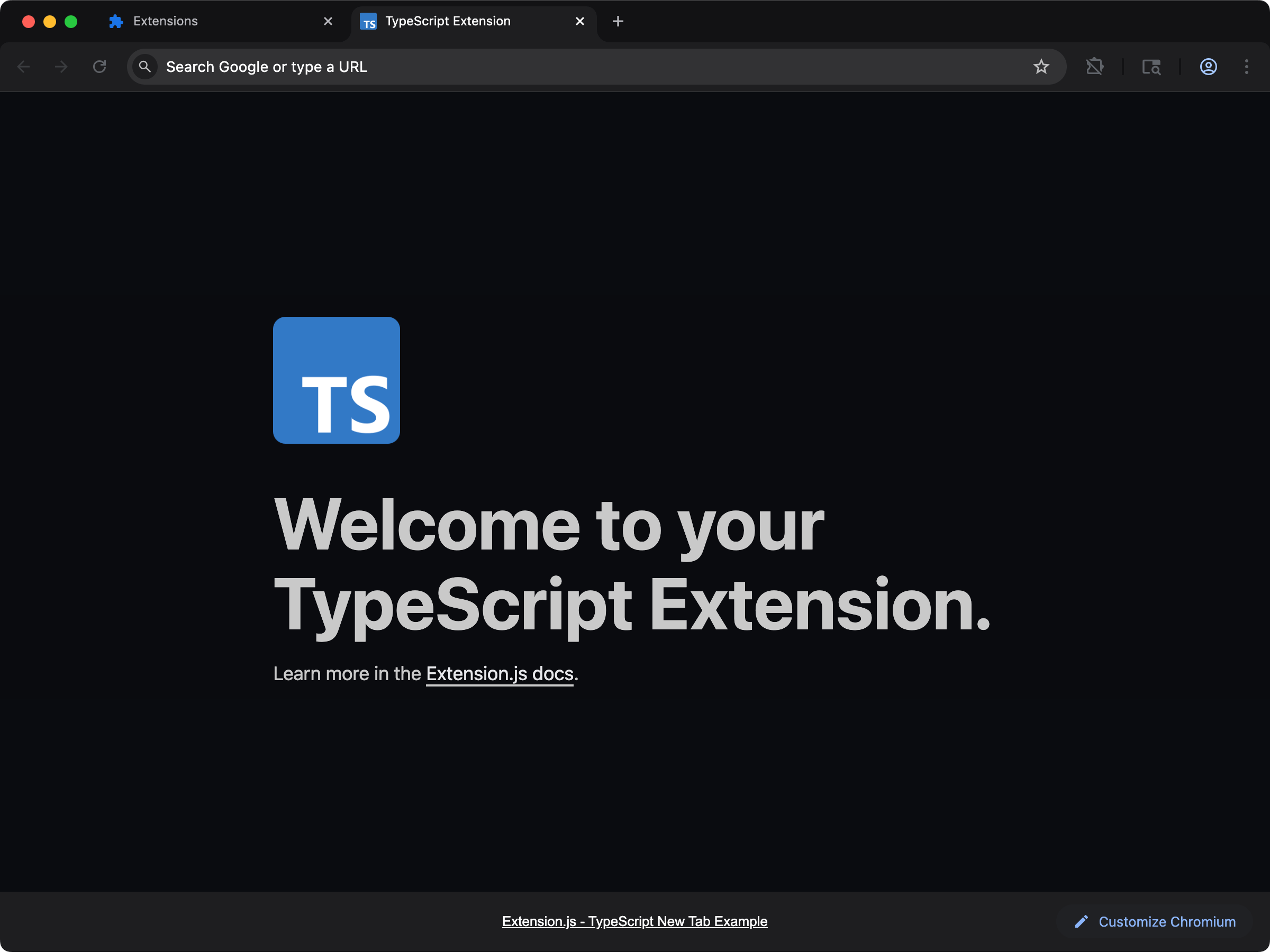
new-typescript
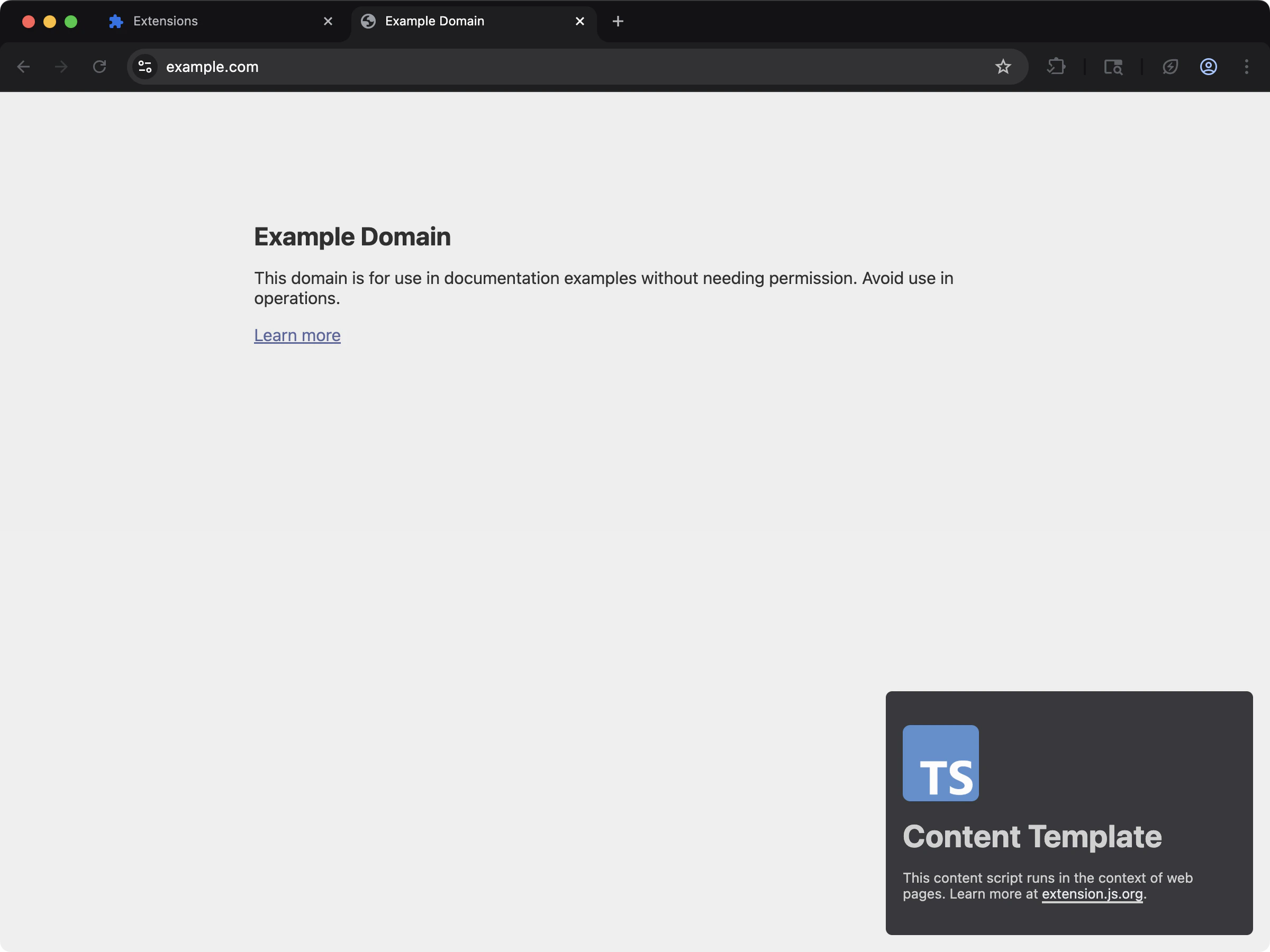
content-typescript
Generated ambient types
For TypeScript projects, Extension.js generates anextension-env.d.ts file at your project root with ambient declarations (browser/runtime globals, EXTENSION_PUBLIC_* env, and bundler types). dev, build, and start each regenerate it, so editor types and a CI tsc --noEmit stay in sync. Commit it (or git-ignore it). Either works, because the next run recreates it.
From the release after 4.1.39, a missing file is created only where your tsconfig.json would read it. See Keep extension-env.d.ts in the include list.
Usage with an existing extension
Add TypeScript to an existing extension with the steps below.Installation
- Install TypeScript as a development dependency:
- Initialize the TypeScript configuration file
tsconfig.json:
Configuration
TypeScript detection and requirements
Extension.js looks fortsconfig.json next to your package.json.
- A project with no
tsconfig.jsongets a baseline one when the build compiles TypeScript: a script the manifest names, a script a page loads, or a file those import by a relative path. The build saysCreating a default tsconfig.jsonand carries on. - A
.tsfile that nothing loads does not count, and neither does thetypescriptdependency alone. From the release after 4.1.41, the build writes nothing into such a project.
moduleResolutionisbundler, which models the Rspack + SWC pipeline. The removednode(node10) mode failstsc --noEmiton TypeScript 7.- From the release after 4.1.41,
moduleDetectionisforce, and the templates set it too. The bundler treats every file as a module, sotscdoes the same. Without it, a script with noimportis a global script, and a top-levelconst statusfails with TS2451 becausestatusalready exists in the DOM types. Add the line to an oldertsconfig.json. jsxisreact-jsxonly when Extension.js detects a JSX framework in the project. Without one, it stayspreserveandjsxImportSourceis left out. From 4.1.20, a framework project also getsjsxImportSourceset toreact,preact,vue, orsolid-jsto match the detected framework, sotsc --noEmitresolves the same JSX runtime as the build.
Automatic types
Extension.js generatesextension-env.d.ts in your project root. dev, build, and start each rewrite it. This file references the type declarations for the extension APIs, the Extension.js environment keys, and asset imports.
extension-env.d.ts
Extension API types
Extension.js types the extension APIs withchrome-types. Chrome generates that package from the Chromium source. browser is the native namespace, and its methods return promises. chrome is an alias of it. The package installs with extension, so a new project needs no extra type package.
chrome-types does not declare the APIs that only Firefox has. Extension.js types Firefox’s browser.sidebarAction and browser.browserAction itself.
From the release after 4.1.40, Extension.js also adds three things on top of chrome-types, so that code the browser accepts type-checks:
- A callback right after the arguments that you passed, for example
chrome.tabs.sendMessage(tabId, message, callback).chrome-typesalone only types a callback after every optional argument. - The enum objects that Chrome has at run time, such as
chrome.runtime.OnInstalledReason.INSTALL. These are Chrome’s objects. Firefox has fewer of them and names some keys differently, so code for both browsers should compare with the string, as inreason === 'install'. chrome.tabs.OnUpdatedInfo, also available aschrome.tabs.TabChangeInfo, for the change argument oftabs.onUpdated.
new chrome.declarativeContent.ShowAction() reports a missing argument. Write new chrome.declarativeContent.ShowAction({}), which Chrome treats the same.
Projects that install @types/chrome
A project that installs@types/chrome keeps it. That package types chrome, and browser is typed from webextension-polyfill as before.
@types/chrome and chrome-types both declare the chrome global, so the two packages cannot load together. The generated extension-env.d.ts references one or the other. It references @types/chrome when your package.json lists that package:
extension-env.d.ts
node_modules that your package.json does not list, such as one hoisted to a workspace root, counts only for a project on TypeScript 5 or older. TypeScript 6 and later do not load an @types package the project does not reference, so a workspace project on TypeScript 6 or later that wants @types/chrome lists it in its own package.json. Earlier releases referenced @types/chrome whenever node_modules/@types/chrome existed in the project folder or a parent folder.
To move to chrome-types:
- Remove
@types/chromefrom your project. - Run
extension devorextension buildonce.
@types/chrome:
- Install
@types/chromeas a development dependency. - Run
extension devorextension buildonce.
Polyfill types
On the default setup, thebrowser global has the native types from chrome-types. For the webextension-polyfill types, import the module:
Upgrade note
Earlier releases installed@types/chrome with extension and typed browser from webextension-polyfill. A project that installs @types/chrome keeps those types. A project without @types/chrome moves to chrome-types on upgrade.
After that move, tsc can report names such as chrome.tabs.TabChangeInfo missing. Install @types/chrome to keep the previous types, then run extension dev or extension build once.
Transpilation vs type-checking
The default bundler pipeline compiles TypeScript but does not run fulltsc type-checking as part of bundling.
Recommended scripts:
tsc does not write extension-env.d.ts. Only dev, build, and start regenerate it. In CI, run one of them before tsc:
Next steps
- Learn how Extension.js handles ECMAScript modules.
- Explore styling options like Sass modules.
- Read about JavaScript and TypeScript files in browser extensions.
- Compare TypeScript support across each browser extension framework.