

.svelte resolution, loader setup, and Svelte client aliases automatically.
When Svelte is a good fit
- You want a smaller runtime for popup, options, sidebar, or new-tab UIs.
- You prefer component-first authoring with concise syntax.
- You want a framework option that works for both extension pages and content-script UI mounts.
Template examples
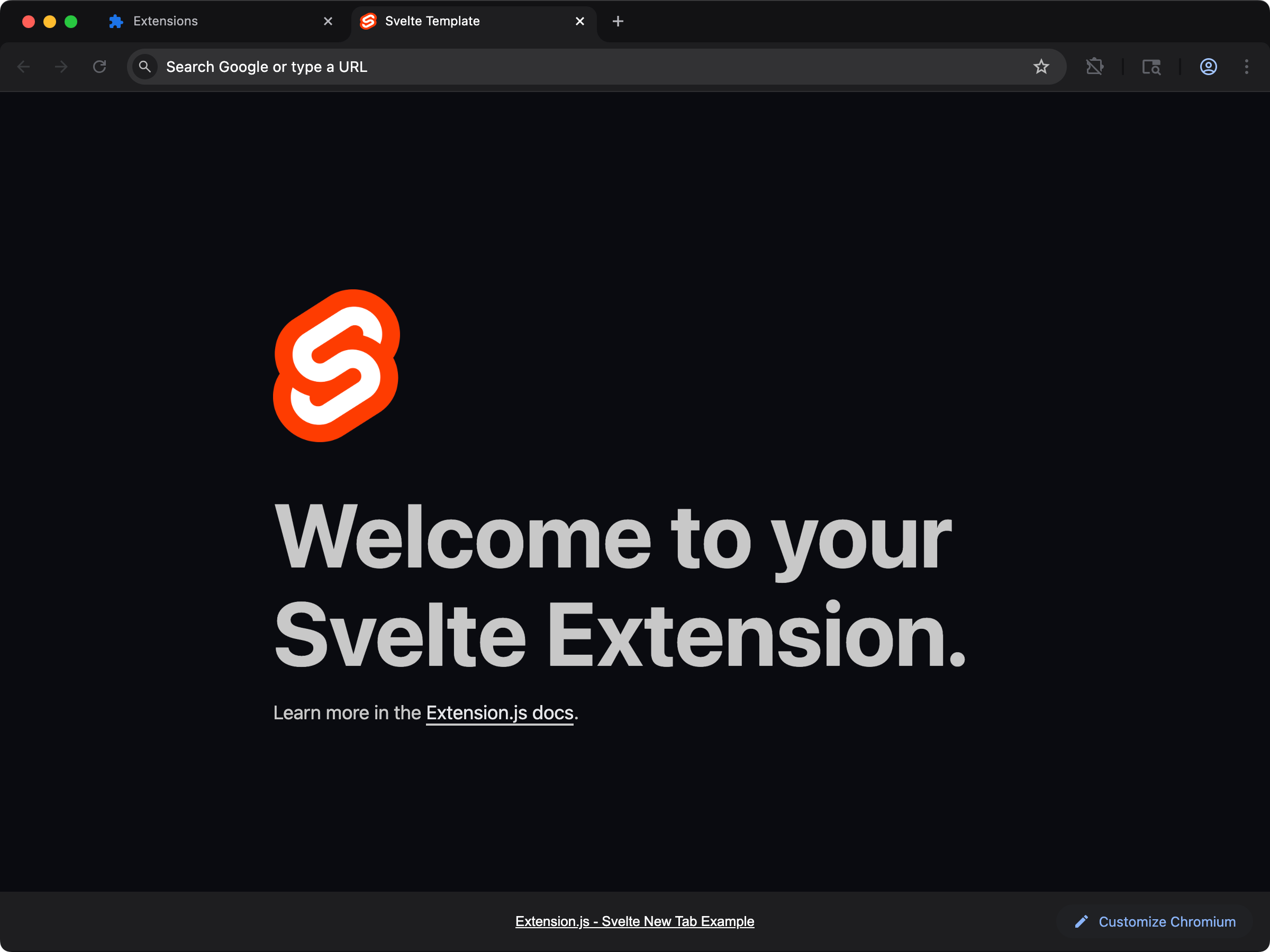
new-svelte
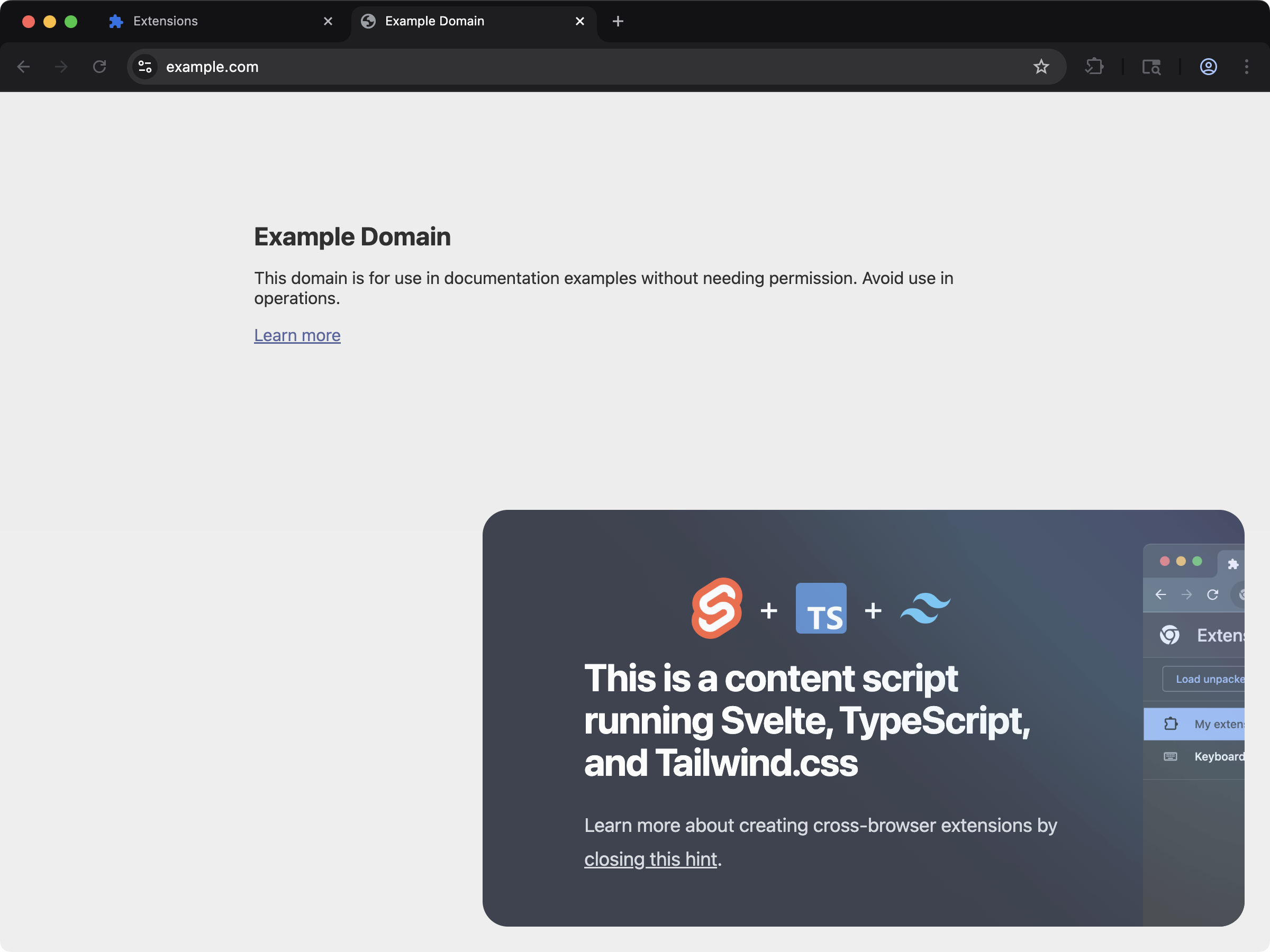
content-svelte
Usage with an existing extension
Install Svelte:svelte-loader package is missing, the build error names the exact version that matches the bundled toolchain. The install command in the error is phrased for the package manager that your project uses.
Development behavior
When Extension.js detects Svelte, it:- Enables
.sveltefile resolution. - Configures the Svelte loader in the JS framework pipeline, with hot reload enabled in development so edited components update without a full page reload.
- Applies Svelte client aliases (for example,
svelte,svelte/store, andsvelte/reactivity).
Usage examples
In an extension page
new App(...) and app.$destroy())
throws component_api_invalid_new on the version the templates install.
In a content_script file
For content scripts, create a mount node and return a cleanup function from your default export. This lets Extension.js remount safely in development:
<style> block applies in a content script. Where it lands depends on the css option of the Svelte compiler:
- Default setting. Extension.js compiles the block as a separate stylesheet. The build adds it to the document in a
<style>element, so it does not reach a shadow root. css: "injected". The compiled component carries its own styles, and Svelte 5 adds them when the component mounts. A component that you mount inside a shadow root gets its<style>element in that root. Any other component gets it in the document<head>.
svelte.loader.js file at the project root. Set the option under compilerOptions:
svelte.loader.mjs, svelte.loader.ts, or svelte.loader.mts. From the release after 4.2.0, a loader options file that throws while it loads stops the build with E_CONFIG_LOAD. The message names the file and the reason.
When the Svelte compiler is newer than the svelte package of your project, the runtime follows the compiler and a warning says so. From the release after 4.2.0, the same holds when the compiler is the older of the two. That warning carries the code W_MANAGED_DEP_CONFLICT, and svelte is read from your project only, never from the folder that the command runs in.
The warning prints once per run. To compile with the svelte that your project pins, add svelte-loader to the project, so the compiler resolves beside your own copy.
Best practices
- Keep Svelte components focused on UI and move browser API orchestration to dedicated modules.
- In content scripts, always return cleanup so remount behavior stays predictable.
- Use Svelte for extension pages first, then expand to content-script UI once the feature boundary is clear.
Next steps
- Learn more about TypeScript support.
- Review the content-script contract in Content scripts.