

Template examples
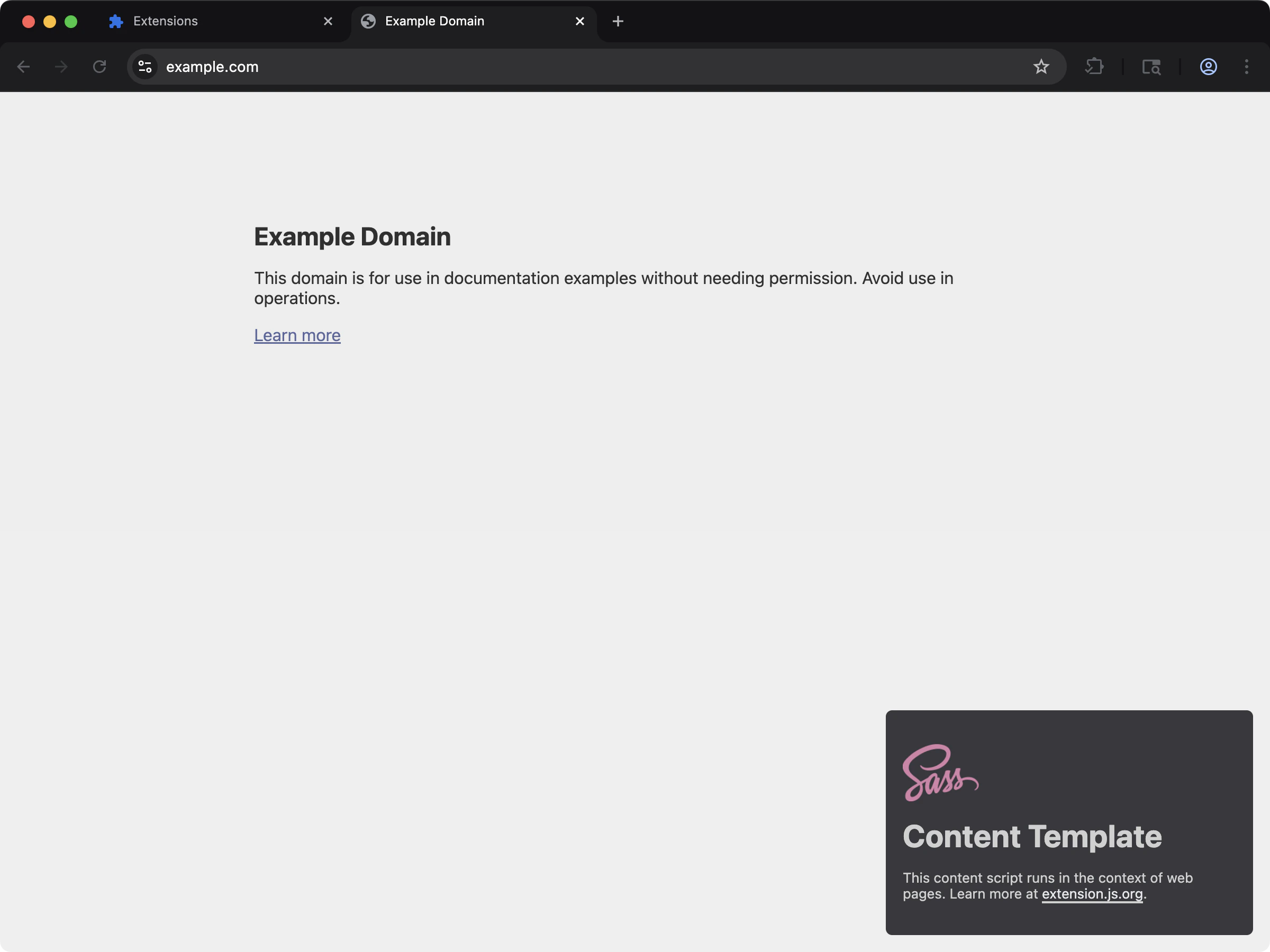
content-sass
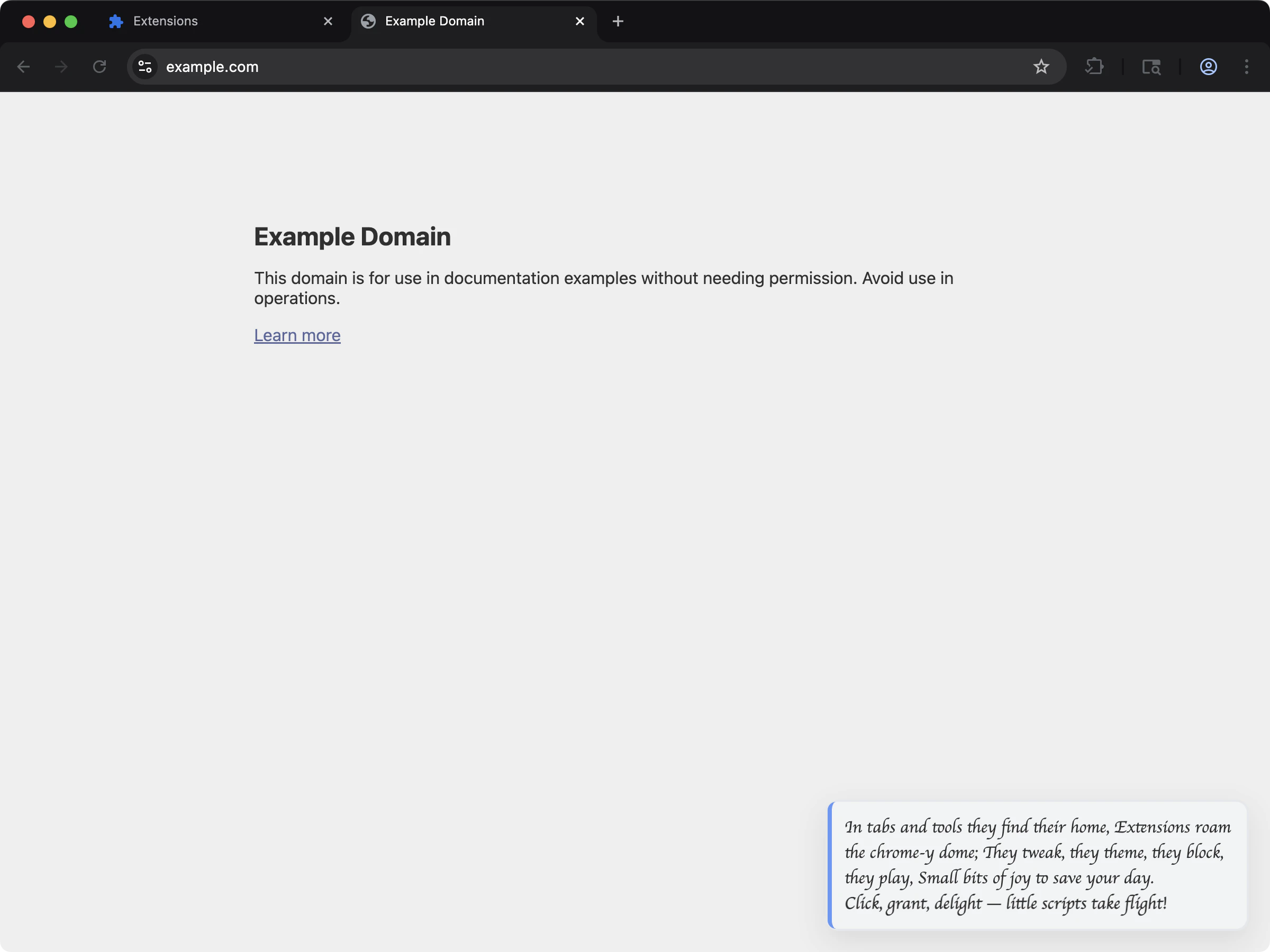
content-custom-font
CSS capabilities
Where to reference CSS
manifest.json(content_scripts[].css)- HTML files (
<link rel="stylesheet" href="...">) - Script imports (
import "./styles.css", including Sass/Less when enabled). In a content script, this import styles nothing by itself.
CSS support
Manifest CSS entries:Example: CSS in manifest.json
Example: CSS in extension page scripts
Styles in a content script
In a content script, a plainimport "./styles.css" evaluates to the stylesheet as a data: URL. It styles nothing by itself. Sass and Less imports behave the same.
Extension.js places that sheet for you in one case only. The import must be in the entry file of a declared content script, and the script must mark a host with data-extension-root. The sheet then goes into the shadow root of that host. See Shadow DOM.
To style the page itself, use one of these routes:
The last route reads the value of the import and places it:
scripts/ file that you inject at runtime gets no automatic placement. Read the value and set it on a <link> there.
From the release after 4.1.39, the build prints a warning for a side-effect style import that nothing places.
A page with a strict style policy
A page’s Content Security Policy (CSP) also decides what a content script’s own DOM calls can do. The answer depends on the world that the script runs in. On a page that sendsstyle-src 'self':
These results were measured on Chrome 151 and Firefox 160, in
dev and in a production build. A <style> element inside a shadow root is refused the same way as one in the document.
On a page that sends default-src 'self', fetch(href) is refused too. That holds in the MAIN world on both browsers, and in the isolated world on Firefox.
The build cannot see the policy of a page that the script will visit. It changes none of these calls and prints no warning. A MAIN world script that must work under such a policy reads the sheet out of the URL, with no request, and adopts it:
@import in an injected style sheet and for an injected sheet in public/, see Runtime-loaded files.
Web fonts in a content script
A content script that renders into a shadow root cannot load a webfont through CSS alone. Two platform rules get in the way, and both are silent. A@font-face inside a shadow root never applies. Font faces resolve against
the document’s font set, not the shadow tree, so Chrome ignores the rule and
falls back without an error. Measured on the content-custom-font template
before it was fixed: document.fonts was empty, zero font requests fired, and
text set in "Momo Signature", cursive measured the same width as bare
cursive.
A root-absolute url() in an injected stylesheet resolves against the host
page. url(/fonts/Momo.woff2) inside a stylesheet injected into example.com
requests https://example.com/fonts/Momo.woff2, not the extension’s copy.
Register the face on the page’s own font set instead, from a URL that names the
extension, and remove it when the content script tears down:
web_accessible_resources:
document.fonts, the shadow tree can use it by name in an
ordinary font-family rule. The working version lives in
content-custom-font.
Import a stylesheet as a URL
From the release after 4.1.41, a?url import outside a content script gives you the URL of the compiled sheet:
assets/. A relative url() or @import in that sheet cannot follow it there, and one warning lists those addresses. Move those files into public/ and name them from the root, or import the stylesheet without ?url.
Output behavior by context
Extension.js splits contexts automatically based on which entrypoint imports the CSS.
From the release after 4.1.41, a content script stylesheet ships with the rules of every project
.css file it imports. The import’s media, supports, or layer condition is kept. A content script sheet loads from a data: URL, where the browser fetches no relative import. Package and remote imports stay as written. A sheet outside the project or a private file is not brought in, and the build warns with the file. An @import that still sits in the sheet after every tool ran warns that its rules will not load.
From the release after 4.1.41, Extension.js compiles every stylesheet with its own rules, and those win over your config. A type that your config sets for .css, .scss, .sass, or .less files is not applied. One warning says so. Remove type from the rule. Import the stylesheet with ?url for its file URL, or with ?raw for its text.
When a production build minifies a sheet, Extension.js compares the result with the sheet before minification. A sheet that lost a rule ships as authored, with a warning that names what was dropped. From the release after 4.1.41, this check runs only when the build minifies, so dev skips it. From 4.2.0, that warning carries the code W_CSS_PARSE.
A url() that names a file that exists nowhere in the project warns with W_CSS_DEAD_REF, and the rest of the sheet ships. The browser answers that address with a 404. Set EXTENSION_STRICT_REFS=true to fail the build on it with E_CSS_DEAD_REF.
From the release after 4.2.0, a url() that the bundler cannot resolve, such as a bare name with no extension or a scoped package path that is not installed, reports the same W_CSS_DEAD_REF, and EXTENSION_STRICT_REFS=true fails the build on it with E_CSS_DEAD_REF. Releases up to 4.2.0 reported it as W_ASSET_MISSING, and strict refs did not fail on it.
Development behavior
- Content script CSS imports participate in the content-script HMR/remount flow.
- Extension.js adds a dev helper script to CSS-only content script entries so it can propagate updates.
- Page CSS follows normal page HMR pipeline behavior.
- A manifest edit reloads the whole extension. An edit to the content script entries in the manifest also restarts the compiler of the dev session, with no action from you.
Modules and preprocessors
- CSS Modules work best in extension page contexts.
- Extension.js enables Sass/Less support when you install the related dependencies.
- If a project references
.scss/.lessfiles but the preprocessor is not installed, the build warns and copies the source through uncompiled instead of failing. Browsers treat that uncompiled source as broken CSS and render those surfaces unstyled, so install the preprocessor to get real compilation. - Extension.js runs PostCSS automatically when it detects a PostCSS configuration in your project, or when you configure it explicitly.
Best practices
- Keep content-script styles intentionally scoped to reduce host-page collisions.
- Prefer component-local module styles for extension page UIs.
- Keep preprocessor and PostCSS configurations explicit to avoid unintended changes to your build setup over time.
- Validate CSS paths referenced by manifest fields in continuous integration (CI).
Next steps
- Understand update outcomes in dev update behavior.
- Learn more about CSS Modules.
- Learn more about PostCSS integration.