

When Preact is a good fit
- You want smaller UI bundle size for popup/sidebar/new tab surfaces.
- You like React-style components but want a lighter runtime.
- You are optimizing extension startup and UI responsiveness on lower-end devices.
Template examples
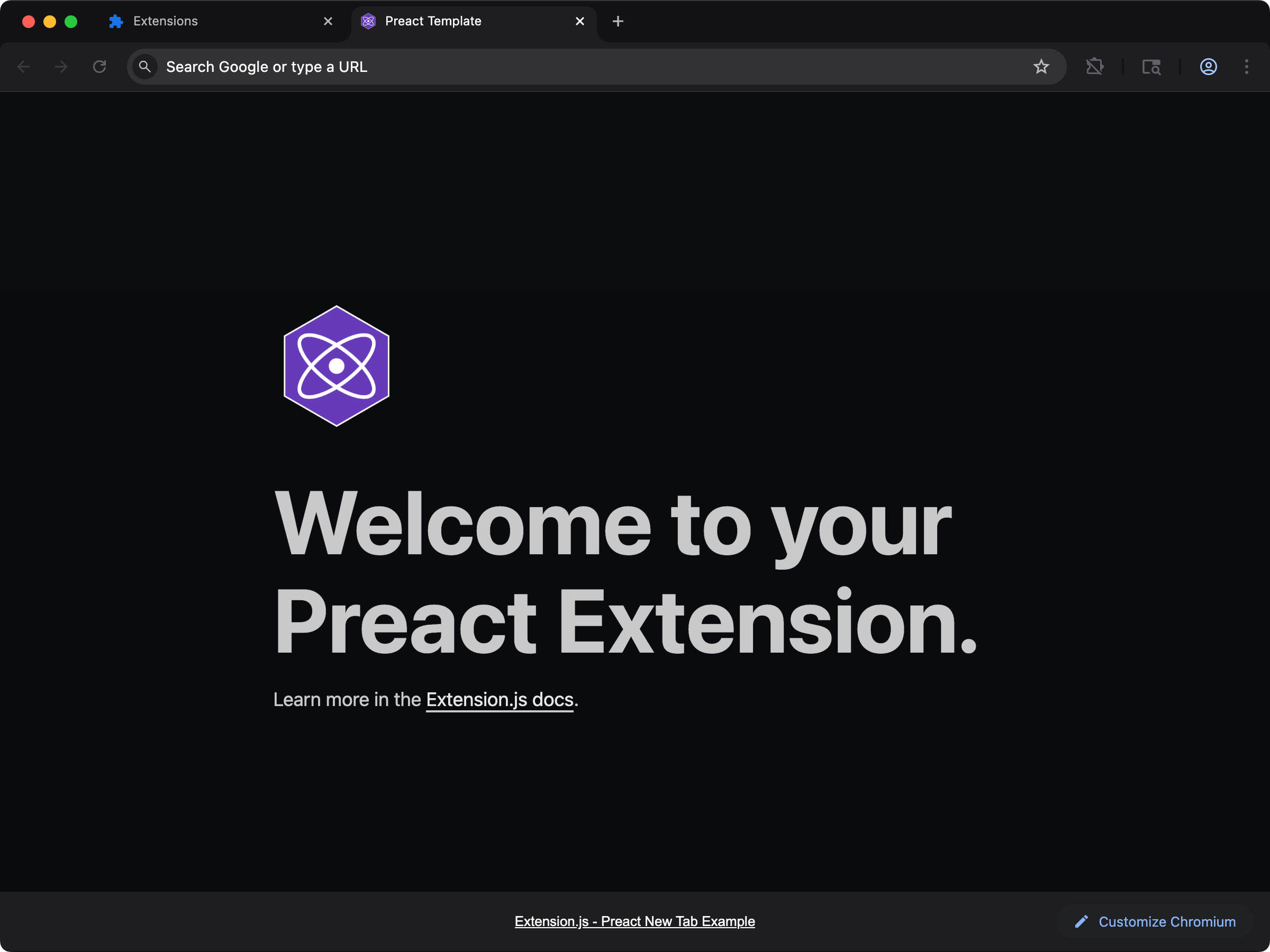
new-preact
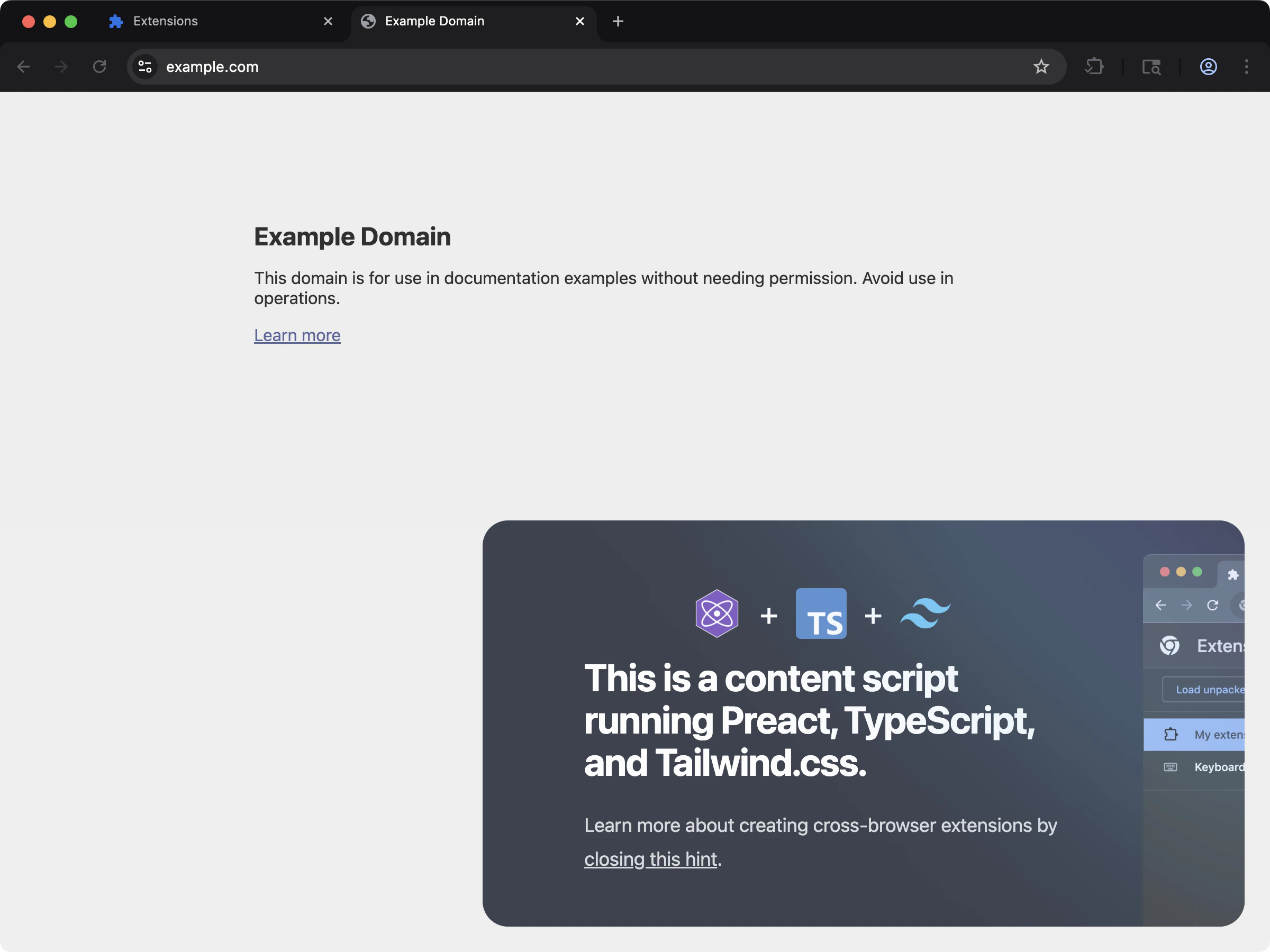
content-preact
Usage with an existing extension
Add Preact to an existing extension with the steps below.Installation
Install the required dependencies:@types/preact package.
From the release after 4.1.41, the Preact templates set "jsxImportSource": "preact" in tsconfig.json, so the editor and tsc check JSX against Preact’s own JSX types. A project created from an earlier template can add the same line to its compilerOptions.
preact is the only package you add. Extension.js resolves preact/compat, preact/test-utils, and the JSX runtimes from your project and builds the alias map from whatever it finds, so there is no extra package to install.
Preact 10 and Preact 11 both work. Builds, rendering, and hooks behave the same on either version. If you use @preact/signals with Preact 11, install @preact/signals 2.0.4 or later, because 1.x and 2.0.0 to 2.0.3 accept only Preact 10 as a peer.
Configuration
Extension.js expects Preact files to use the following file extensions:- If you do not enable TypeScript:
*.jsx - If you enable TypeScript:
*.tsx
Development behavior
When Extension.js detects Preact, it configures:- Compatibility aliases (for example,
react→preact/compat). - JSX handling tuned for Preact.
- Live reload in development: when a file changes, the affected surface reloads and remounts.
@rspack/plugin-preact-refresh runtime is
incompatible with the Rspack version Extension.js ships, so Extension.js
disables it rather than break dev mode. Your app still updates on every
edit, and component state is just not preserved across edits. Fast refresh
returns once the upstream plugin is fixed.
Troubleshooting
- Component state resets on edit: Expected for now, because Preact uses live reload, not fast refresh (see above).
- No Preact integration detected: Confirm
preactappears independenciesordevDependencies.
Usage examples
In a new tab extension
To use Preact in a new tab extension, include it as a<script> in your HTML file:
In a content_script file
For content scripts, render Preact inside a shadow root, and load the stylesheet into that root:
import "./content.css" styles nothing in a content script. See CSS, Sass, and Less for every route.
Next steps
- Learn more about TypeScript support.
- Explore how Extension.js handles Sass modules.