

postcss-loader when needed.
When PostCSS is a good fit
- You need autoprefixing or modern CSS transforms in extension styles.
- You want one CSS transform pipeline across popup/options/sidebar/content scripts.
- You are using Tailwind or plugin-based style processing.
PostCSS capabilities
Template examples
Tailwind + PostCSS starter
Use this template when you want a working PostCSS setup with Tailwind and component-driven UI.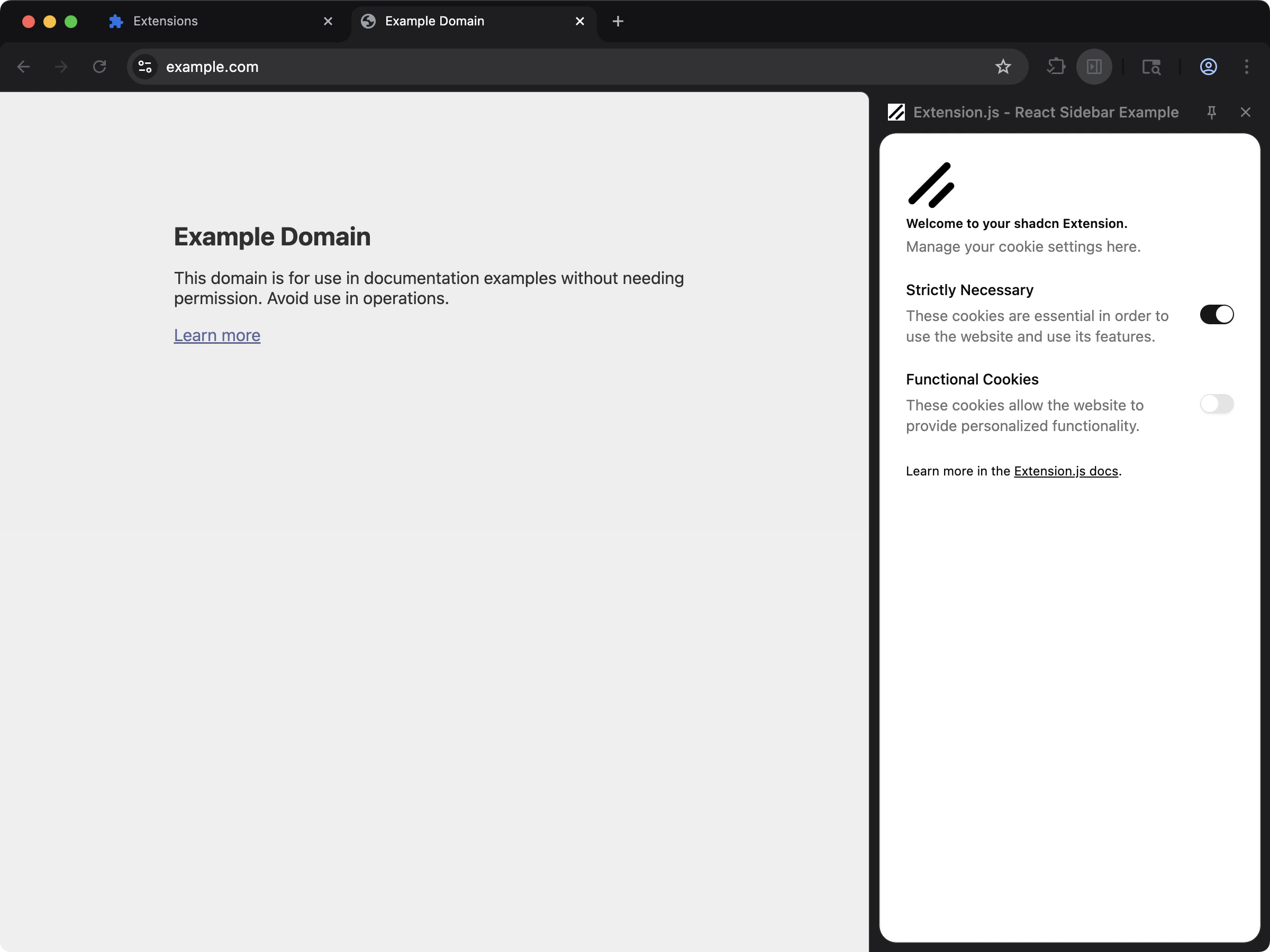
Detection and configuration files
Extension.js checks these PostCSS configuration files at the project root, in this order, and uses the first one it finds:.postcssrc.postcssrc.json.postcssrc.yaml.postcssrc.yml.postcssrc.ts/.postcssrc.cts/.postcssrc.mts.postcssrc.js/.postcssrc.cjs/.postcssrc.mjspostcss.config.ts/postcss.config.cts/postcss.config.mtspostcss.config.js/postcss.config.cjs/postcss.config.mjs- The same
postcssrcnames inside a.config/folder
postcss.config.* when a project keeps both. In a project whose package.json sets "type": "module", a config that ends in plain .js is tried after every other name.
It also recognizes postcss configuration in package.json.
Using PostCSS with an existing extension
Install PostCSS dependencies:Create postcss.config.js
Usage
Import styles normally in extension pages:css pipeline for pages, asset pipeline for content scripts).
Tailwind interaction
- Extension.js can trigger PostCSS setup automatically when it detects Tailwind.
- Extension.js handles both Tailwind v3 and v4, selecting plugins based on the detected version.
- In ECMAScript Module (ESM) projects with incompatible CommonJS (CJS) PostCSS configuration patterns, Extension.js may bypass your configuration. It injects compatibility plugins instead.
When the config or a plugin does not load
From the release after 4.1.41, a PostCSS config that Extension.js cannot use is set aside, and the build continues without it:- The config file throws, or fails to import.
- The config exports a function that throws.
pluginsis neither an array nor an object keyed by plugin name.
postcss-loader as it is. From the release after 4.1.41, Extension.js reads a YAML rc file itself, and its plugin paths resolve from your project.
A plugin that the config names but that cannot be resolved is skipped too. The warning says Couldn't resolve the PostCSS plugin <name>., and the styles that the plugin would generate are missing from the output.
Each of these warnings prints once per build, even though every style rule reads the same config. During dev, a warning prints again only when the problem went away and came back.
From the release after 4.2.0, these setup warnings carry the code W_CSS_NOT_APPLIED. That covers the warnings in this section and the list below, and the warning for a rule in your config that sets a type on stylesheet files, which Extension.js does not apply. Only the notice that dev needs a restart keeps W_RESTART_REQUIRED. Releases up to 4.2.0 gave every one of them W_RESTART_REQUIRED.
From the release after 4.1.41:
postcss.config.json,postcss.config.yaml, andpostcss.config.ymlare names PostCSS never reads. The build warns and names the rc file to rename it to, such as.postcssrc.json.- Tailwind is taken only from your project. Without its PostCSS plugin, one warning names the install command.
- During
dev, a PostCSS or Tailwind config edit applies on the next build. - A change that adds or removes the PostCSS step warns that
devneeds a restart. - A config’s
parser,syntax,stringifier, andmapoptions apply beside its plugins. A module named by a string resolves from your project.
Best practices
- Keep plugin chains small and explicit (for example,
autoprefixer,postcss-preset-env). - Verify configuration format (
.mjs/.cjs) matches your project module type. - Keep Tailwind and PostCSS versions aligned to avoid plugin resolution mismatches.
- Prefer shared style entry files for predictable processing across extension surfaces.
Next steps
- Configure Tailwind CSS with PostCSS.
- Add stylesheet linting with Stylelint.